34 44 1670 001-GB-I
HDA eco
5.2.6 Refuelling procedure
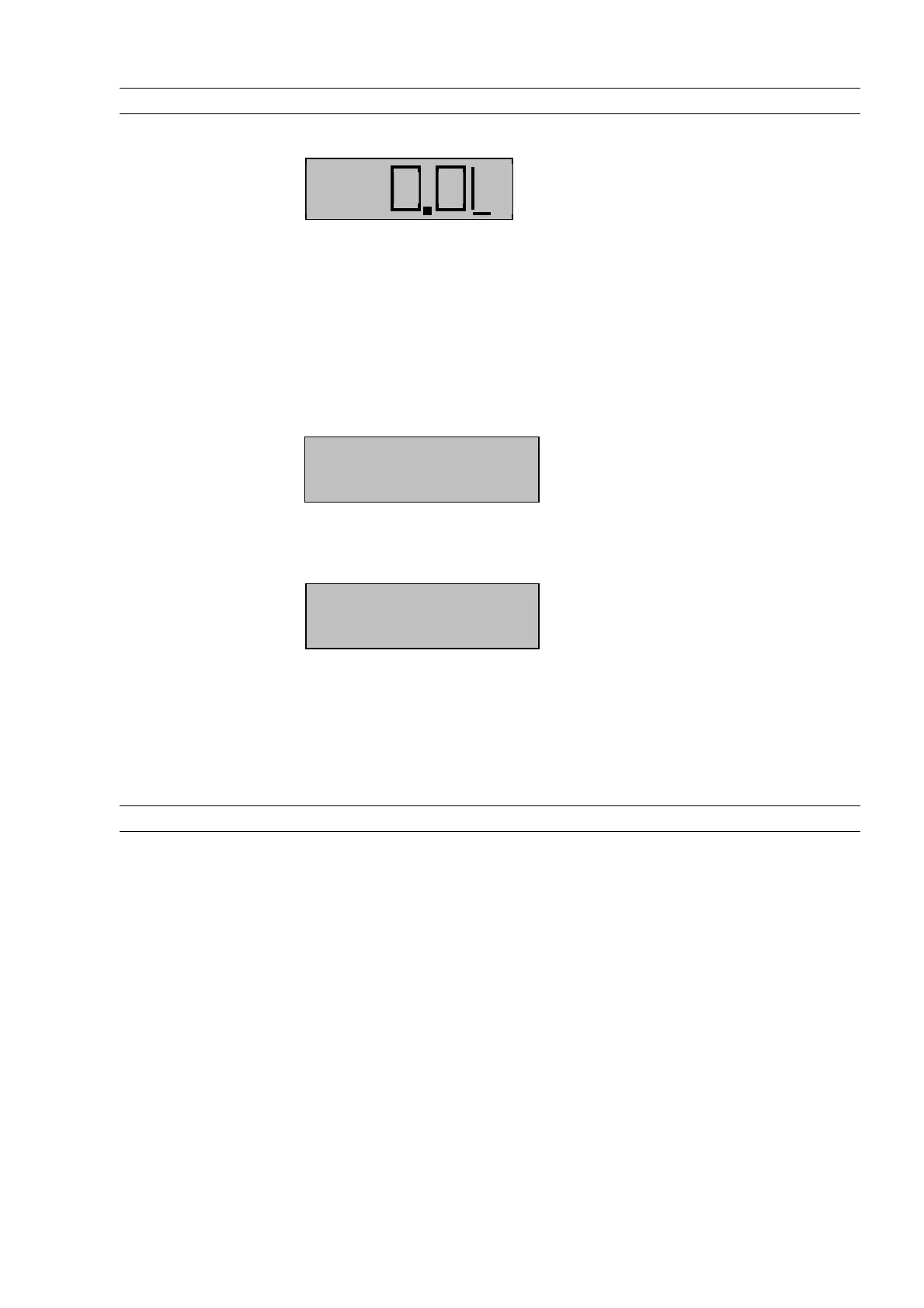
After drawing the nozzle, the pump is switched on.
Display (e.g.):
The dispensed quantity is updated continuously during dispensing.
Dispensing can be stopped using the
‘EXIT’
button, even before the nozzle has been
drawn. The time and quantity limits specified in the Menu Refuelling Options (5.3.4.1)
apply to the refuelling procedure.
Completion of dispensing by replacing the nozzle, pressing the
‘EXIT’
button or reach-
ing the preselected quantity / dispensing limit is shown by a corresponding message
for approx. 5 seconds.
Display (e.g.):
If dispensing is aborted due to a timeout, the cause of the abortion is shown in plain
text on the display.
Display (e.g.):
The dispensed quantity is displayed for 15 minutes or until a new refuelling operation
is initiated.
After completion of the refuelling procedure, the dispensing event is saved in the
memory of the automatic dispenser with all entered data (driver, vehicle, etc.) plus a
time stamp and can be processed running the corresponding management functions
(see section5.3).
5.2.7 Data retrieval
The data is retrieved either via the USB port on the automatic dispenser onto a com-
mercially available USB flash drive or optionally by means of a data connection to a
PC (corresponding accessory is required – RS232/RS422 interface) or via the LAN /
WLAN or CMR interface. Data retrieval is possible only in the ‘Refuelling’ mode from
the input screens for the identification of the driver or vehicle.
Refuelling done!
Volume: 789,5 L
Time Out
Volume: 789,5 L



 To Next Page