44 1670 001-GB-I
HDA eco
23
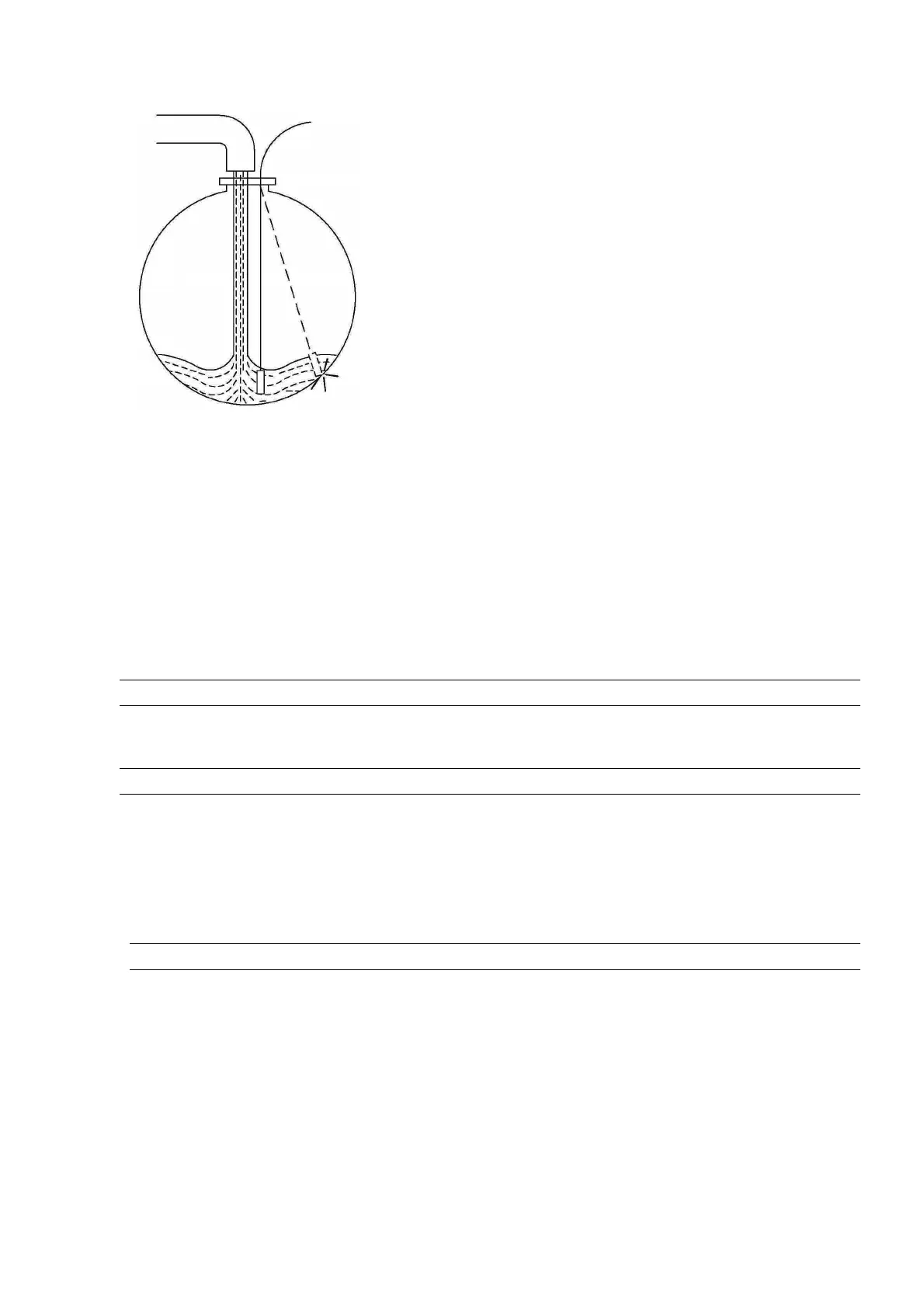
Please observe the following during installation:
Ensure that the sensor is not swinging during and after installation. A protective
pipe with bleeding hole on the upper end is to be foreseen in case the sensor is to
be installed near a filling or suction line.
The connecting cable of the sensor must not be bent during installation, as there is
also a capillary for pressure equalization in the cable.
For the same reason, when using a terminal box to connect an extension cable,
there must be an opening in the terminal box with a filter for pressure equaliza-
tion. We recommend using our terminal box, item no. 224061000.
3.1.4 Retrofitting the level probe interface
It is possible to retrofit the optional level probe. Please contact TECALEMIT Customer
Service.
3.1.5 Connection of the RS232 / RS422 interface
It is optionally possible to transmit data from the HDA eco to a PC. The HD Manager,
HD Manager Basic or HD Manager eco PC software is required for this and the HDA
eco must also be fitted with an additional module (‘socket modem’) for the respective
interface.
The PC can be connected via an RS232 or RS422 interface, depending on the local
conditions:
3.1.5.1 RS232-connection
In this case interference-free data transmission is possible only up to a cable length
of approx. 600” (depending on the type and routing of the cable). A free RS232 inter-
face (COM port) or a USB-to-RS232 adaptor is required on the PC and the RS232
socket modem must be plugged in on the HDA eco.



 To Next Page