Section 6: Make I-V measurements on a solar cell 4200A-SCS Parameter Analyzer User's Manual
6-4 4200A-900-01 Rev. D/April 2020
Setting up measurements in the Clarius software
This section demonstrates how to set up the 4200A-SCS to perform an I-V sweep on a solar cell. The
fwd-ivsweep test measures current at each step of a user-configured voltage sweep. An I-V curve
is generated from the acquired data and device parameters are calculated in the Formulator.
For this example, use the Clarius application to:
• Create a new project
• Search for and select a test
• Configure the test
• Run the test
• View and analyze the test results
Create a new project
To create a new project:
1. Choose Select.
Figure 74: Select highlighted
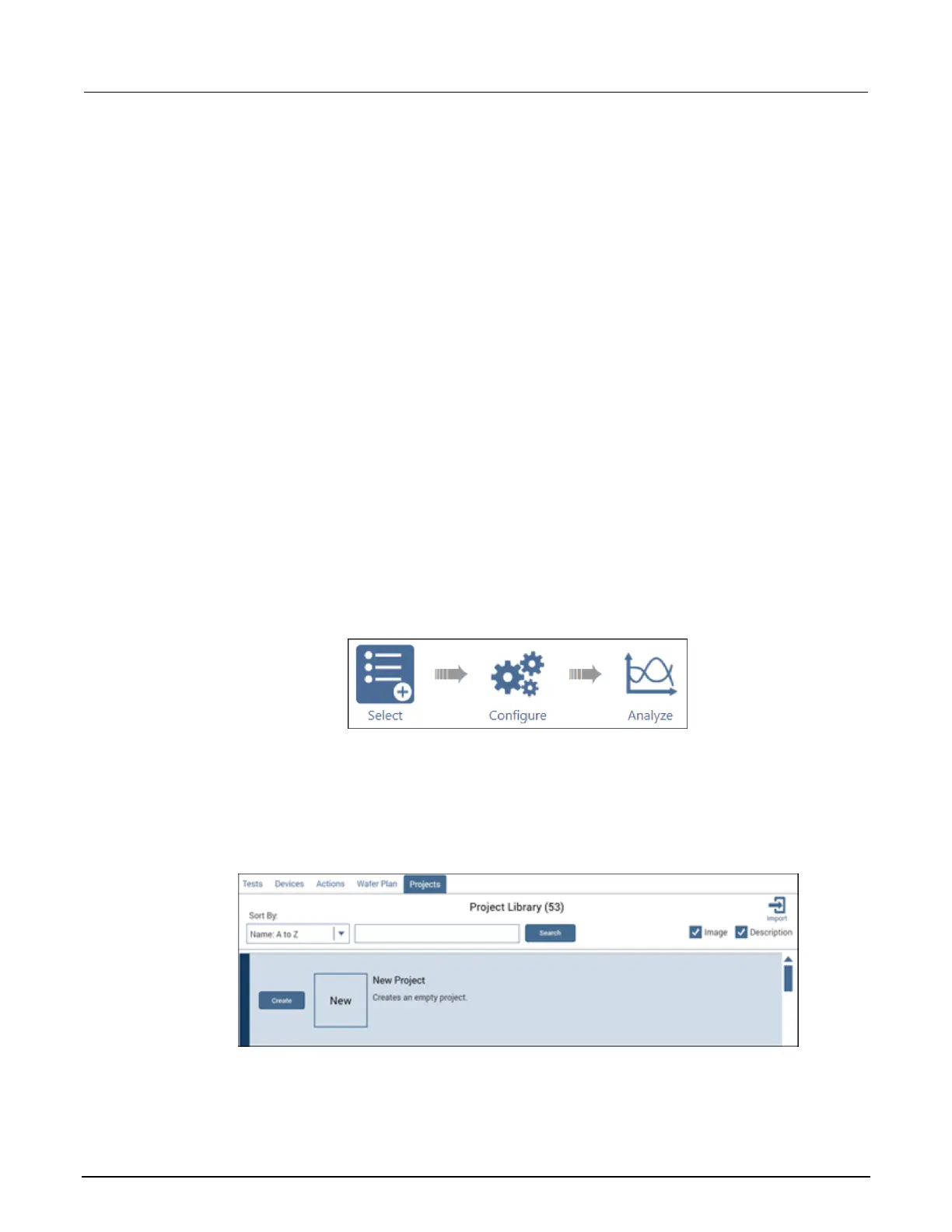
2. In the Library, select Projects.
3. Select New Project.
4. Select Create.
Figure 75: Select a New Project from the Project Library
5. Select Yes when prompted to replace the existing project.
ООО "Техэнком" Контрольно-измерительные приборы и оборудование www.tehencom.com



 To Next Page
 Loading...