Appendix E
Installation manual to TCS5500 Appendix E ● 107
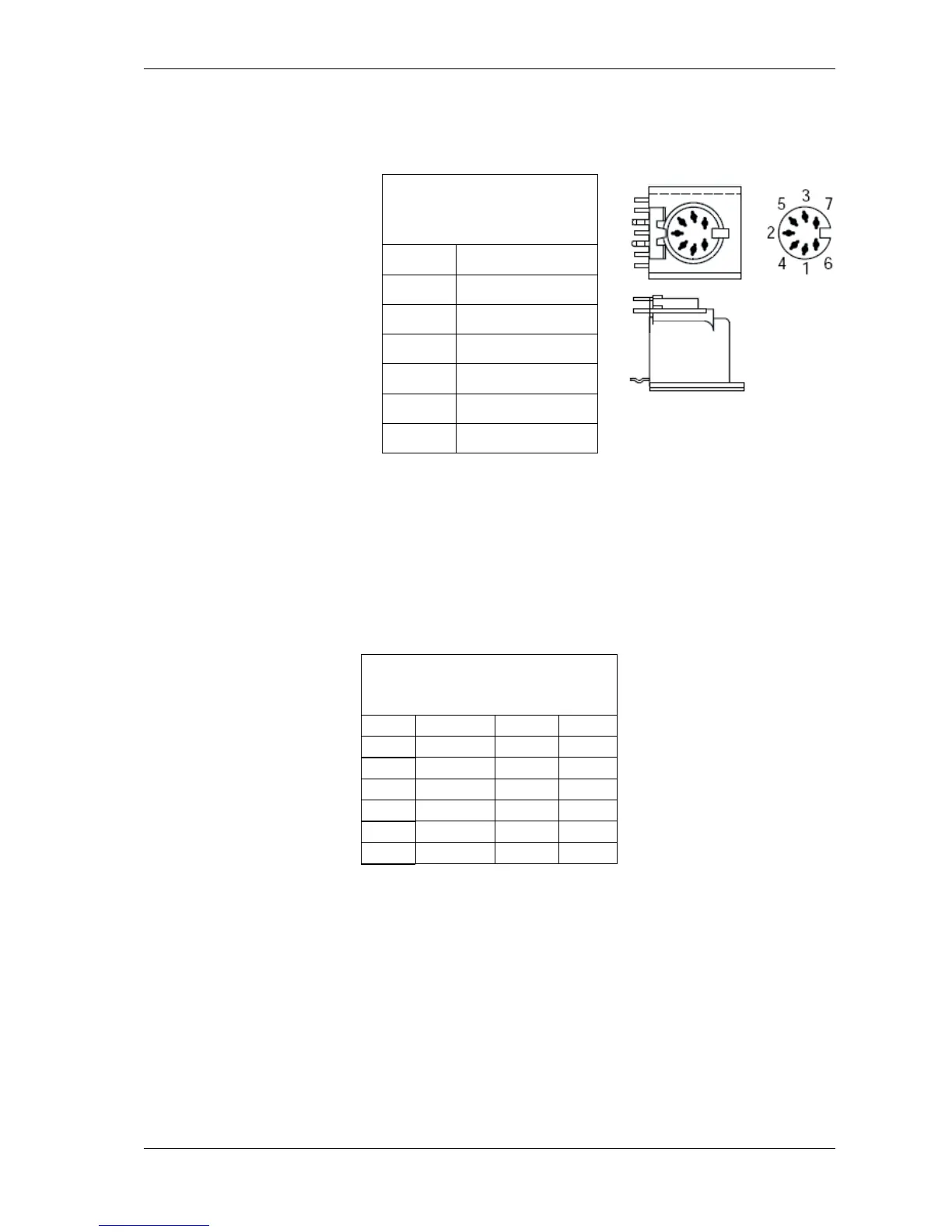
7-pin DIN connector
The 7-pin DIN connector is used to connect an external headset to
the ID5500.
Pin assignment,
7-pin DIN,
external headset
Fig.: 7-pin DIN connector, female
AMP Micro match 14 pos connector
The voting panels with DCS interface are connected to a channel
selector using these types of connectors. If you use only a voting
panel, i.e. without a channel selector, a direct connection to the
INT5500 can be made using a RJ45 connector. Note however that
another type of voting panel has to be used (voting panel with INT
interface).
Pin assignment,
AMP Micro Match 14pos,
voting panel
AMP Micro match 6 pos connector
This connector is used to connect the card readers in a voting panel
with badge and with DCS interface to a channel selector. This
connector is not used if the voting panel has an INT interface.
Then, there is a direct connection to the INT5500.



 To Next Page