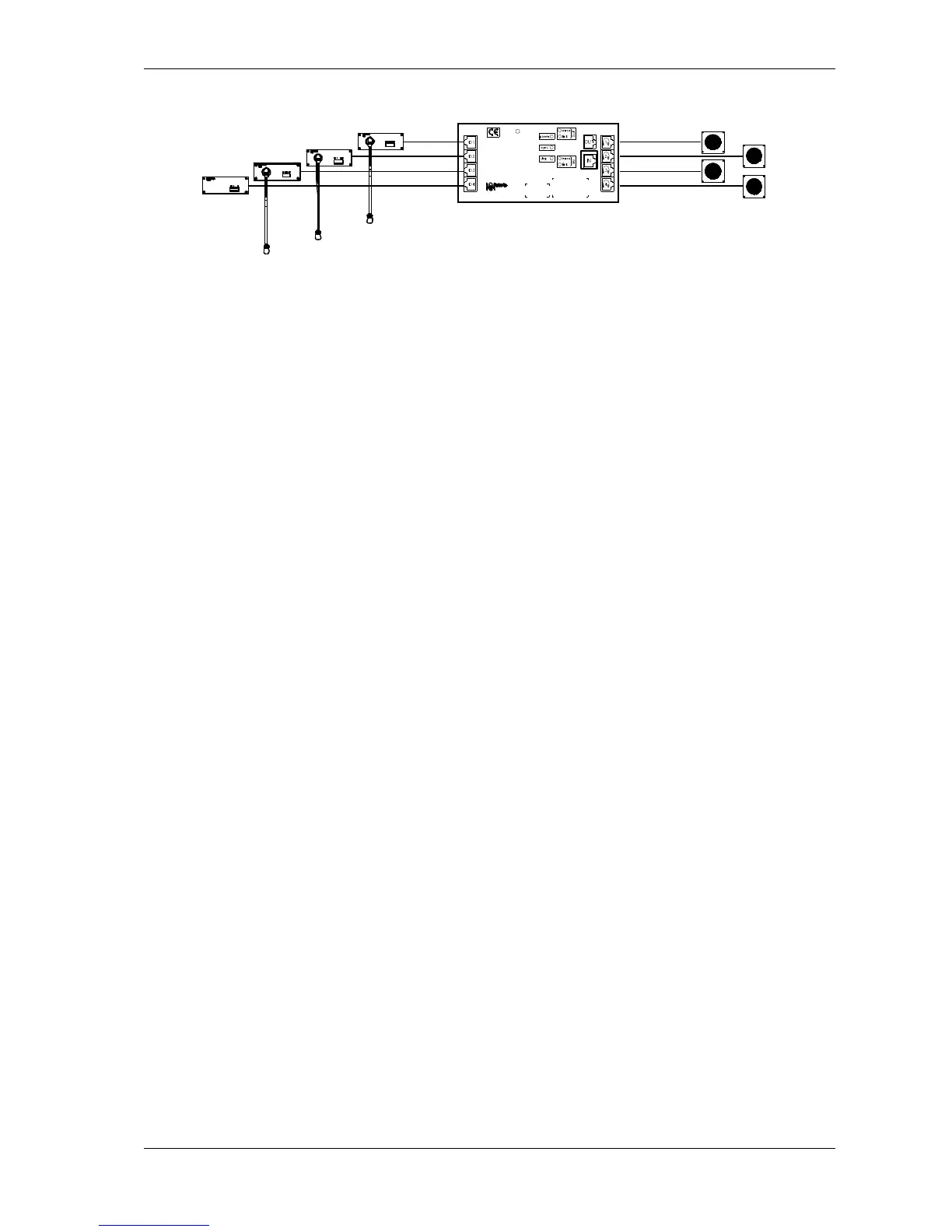
Other configurations are possible using voting panels and card
readers.
The assignment of the microphone numbers has to be handled with
care. There are two possibilities:
DML5500 first assigned (number N), DML5500-slave
assigned secondly (number N+1).
DML5500-slave first assigned (number N), DML5500
assigned secondly (number N+1).
DM5500 first assigned
Push and release the DML5500 microphone button.
Hold down the DML5500 microphone button.
Push and release the DML5500-slave microphone button.
Release the DML5500 microphone button.
DM5500-slave first assigned
Hold down the DML5500 microphone button.
Push and release the DML5500-slave microphone button.
Release the DML5500 microphone button.



 To Next Page