IM-LYOQUEST-EN-2101 20 / 58
10. OPERATION AND CONTROL INSTRUCTIONS
10.1. Start up
To start up the equipment, press the switch located at the right of the equipment, moving it
to the position I.
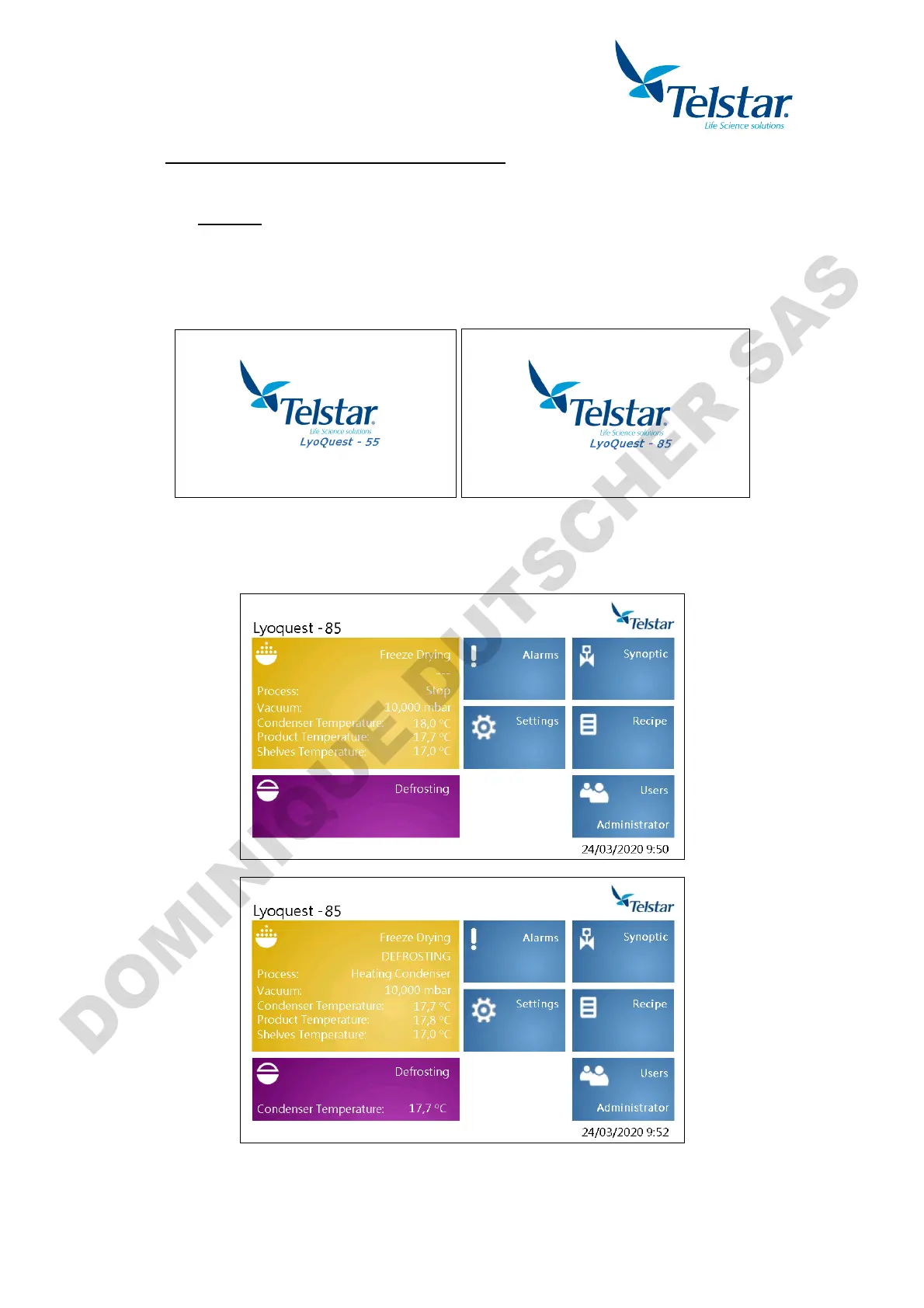
The equipment will start up and the introduction screen will appear. Press the screen to
access to main screen of the application.
10.1.1. Main window
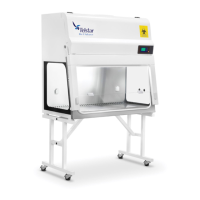
Once in this menu, the user can navigate through their screens by clicking over each icon.


 To Next Page