IM-LYOQUEST-EN-2101 36 / 58
10.7. Users
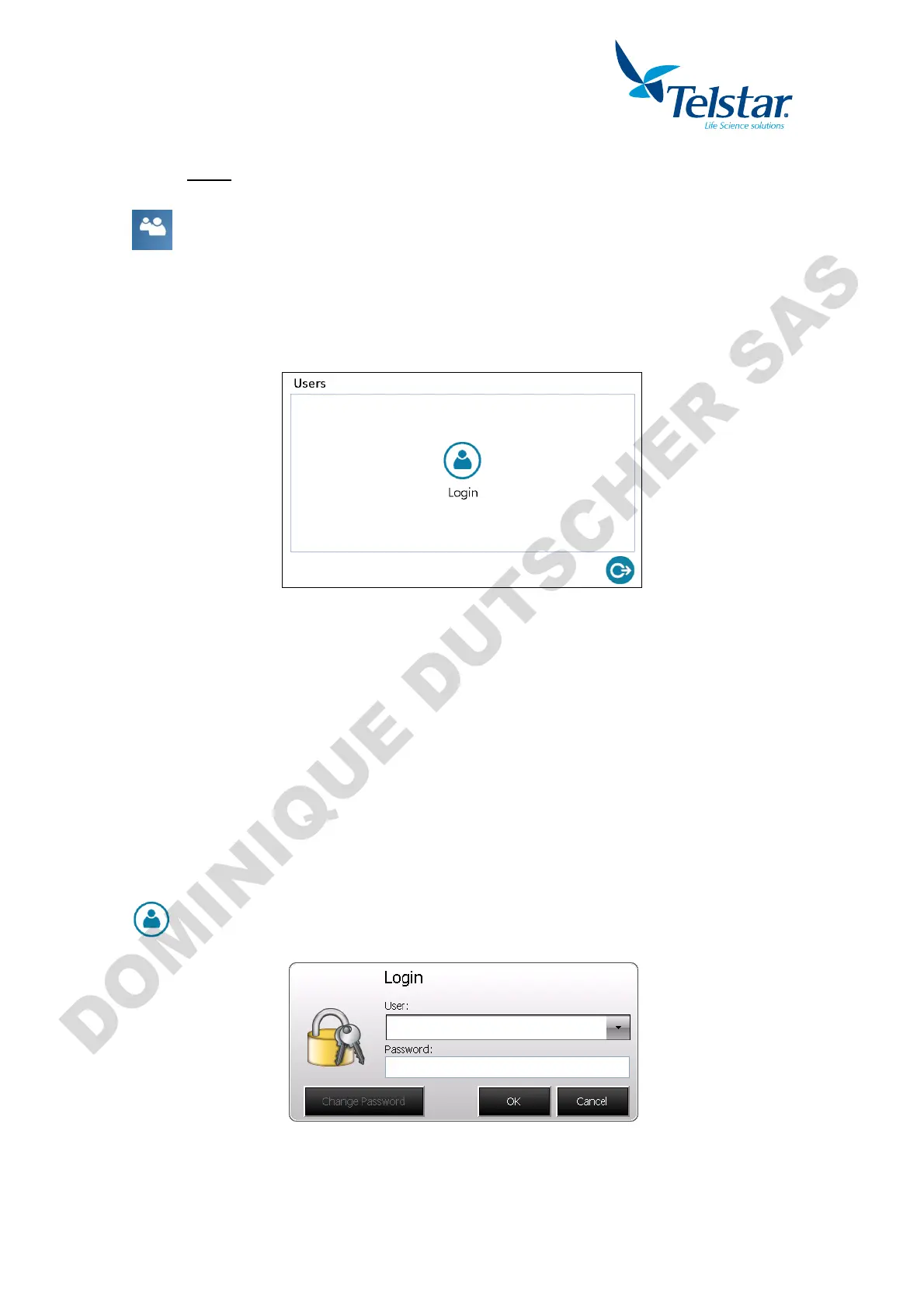
, the user must introduce
from the main menu.
It allows:
- User log in
- Change user passwords
- Create and edit users
- User log out
10.7.1. User’s levels
Two user’s levels are defined:
- Administrators: they can access all windows of the equipment except the advance
settings one.
- Operators: They can only access to Freese-drying, defrosting, alarms, synoptic and
users. They are not allowed to create neither change equipment settings.
10.7.2. User login
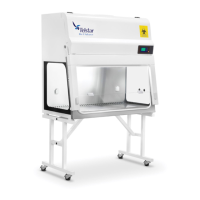
and input the password
User: Selection of the user. By default it is defined as Administrator.
Password: Introduce the selected user’s password. By default the password is “a” for
Administrator and “o” for Operator.


 To Next Page