IM-LYOQUEST-EN-2101 37 / 58
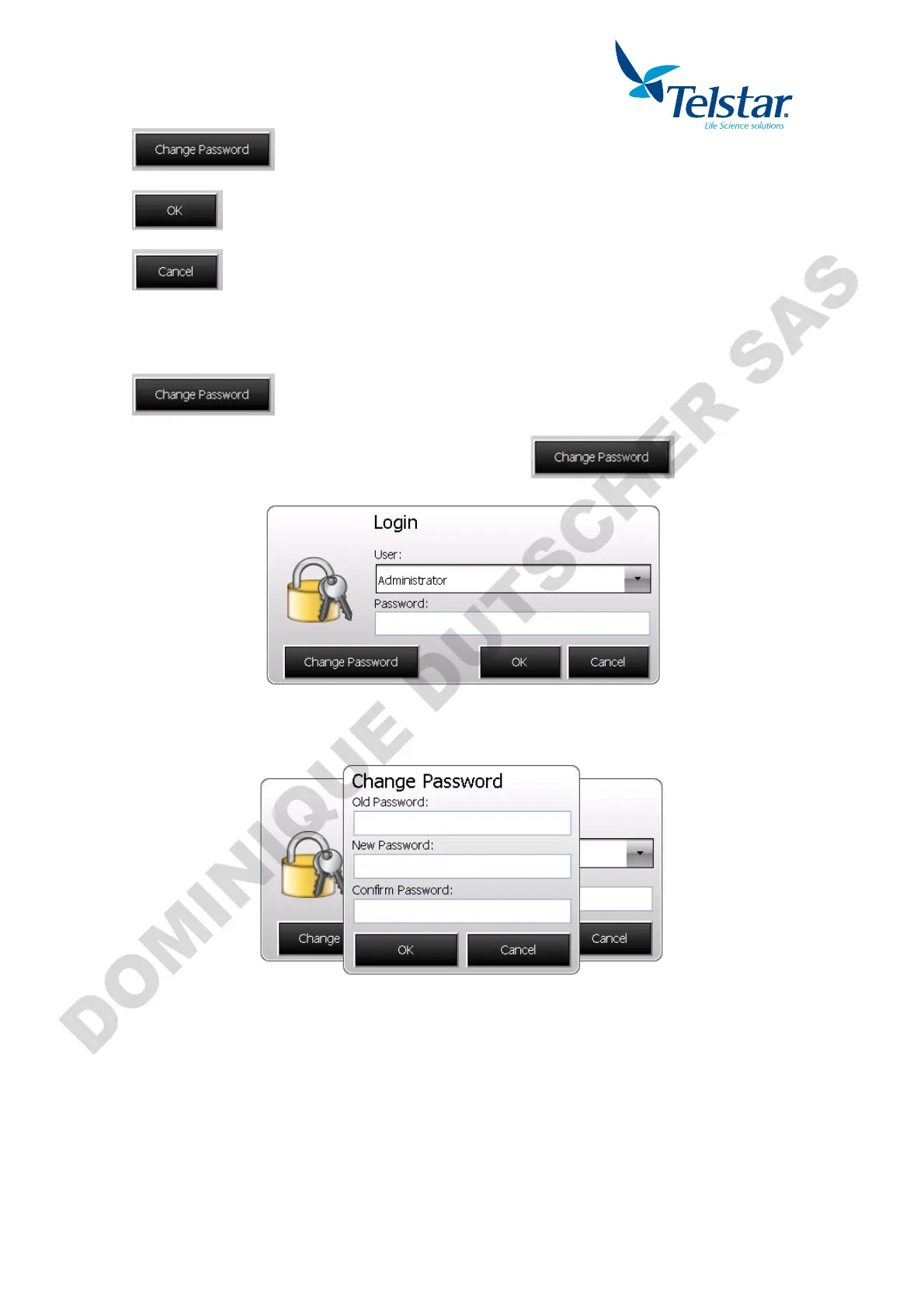
Change the password of the selected user.
User and password confirmation. If correct, user is logged in.
Cancel and return to previous window.
10.7.3. Password change
To change the password, select the user and then press
A new pop-up window will appear in order to input the old password and create the new
password.


 To Next Page