IM-LYOQUEST-EN-2101 33 / 58
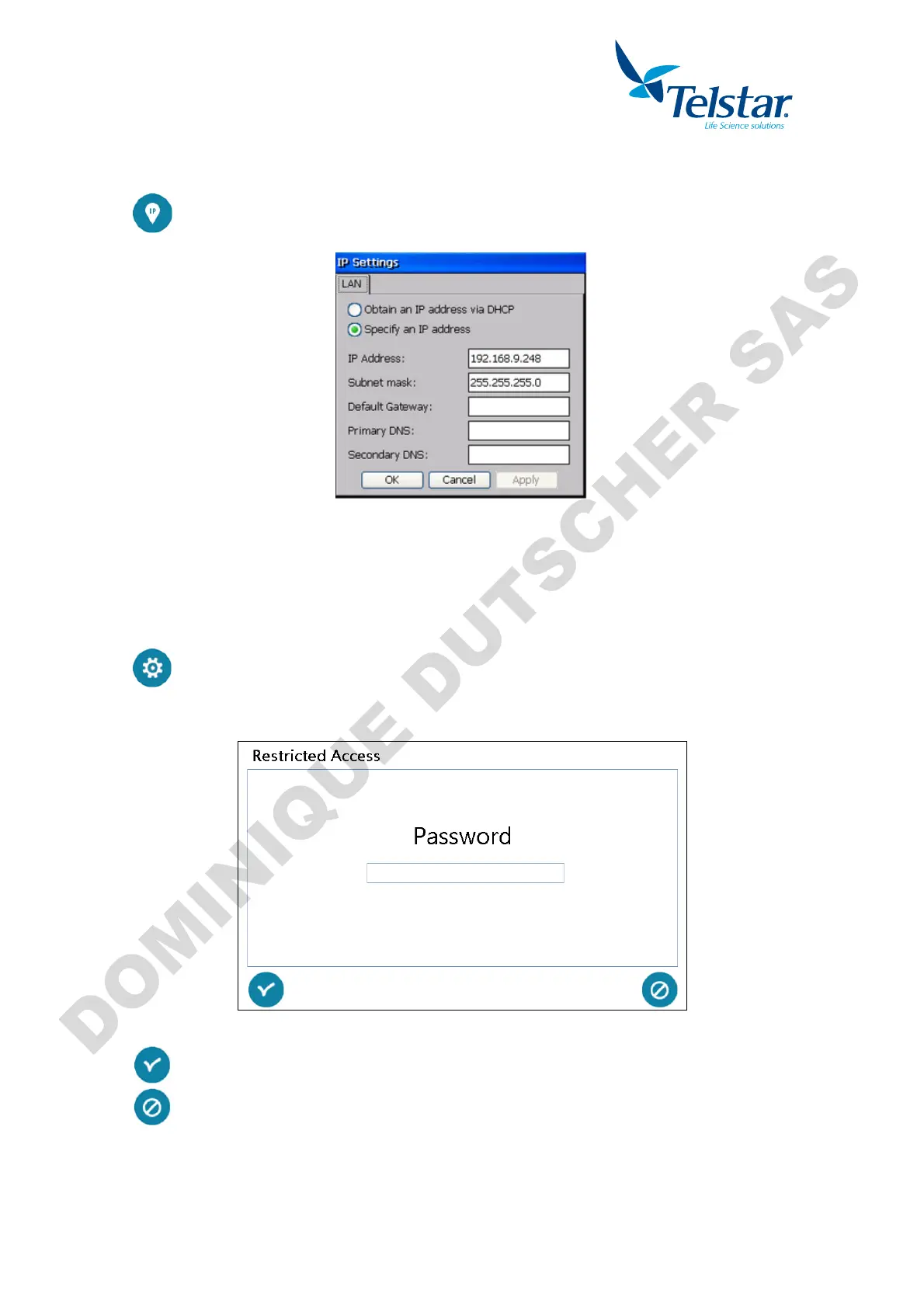
10.5.3. IP Settings
network settings where the equipment will be connected to.
Default IP: 192.168.9.248. Default subnet mask: 255.255.255.0
10.5.4. Technical Service
restricted to the Technical Service:
Telstar password is required to Access.
Confirms the password. If valid, the system will grant the access.
Cancel and go to the previous window.
The factory parameters can be configured in this restricted access window. The vacuum
pump elapsed time can also be reset.


 To Next Page