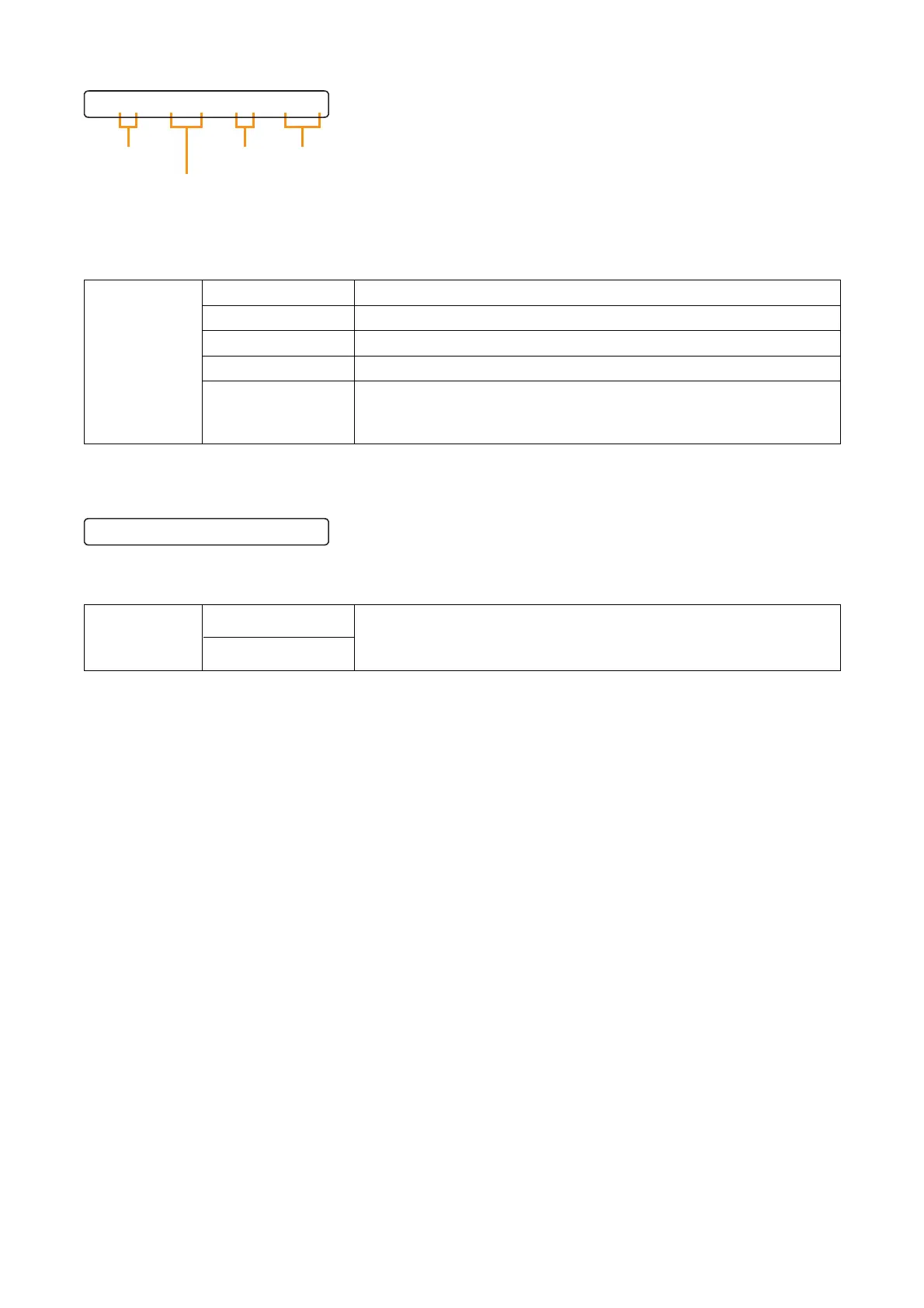
The indications on the right of "EQ" turn on and off as the Parameter setting knob is rotated.
When the indication is displayed, EQ is ON and a band number, gain, Q, and center frequency are displayed
in this order from left to right. Use the Parameter setting knob to change each parameter, and the Left and
Right keys to move the setting items.
ON, OFF (default)
01 to 10 (default: 01)
–12 dB to +12 dB (default: 0 dB), 1 dB steps
0.3, 0.5, 0.7, 1, 1.5 (default), 2, 3, 5
20, 25, 31.5 (default), 40, 50, 63, 80, 100, 125, 160, 200, 250, 315,
400, 500, 630, 800, 1 k, 1.25 k, 1.6 k, 2 k, 2.5 k, 3.15 k, 4 k, 5 k,
6.3 k, 8 k, 10 k, 12.5 k, 16 k, 20 kHz
Setting Range
EQ
EQ Band Number
Gain
Q
Center Frequency
Rotate the Parameter setting knob to set the cut-off frequencies.
Press the Right or Left shift key to select HPF or LPF, of which parameter that flashes can be adjusted.
OFF (default), 20, 25, 31.5, 40, 50, 63, 80, 100, 125, 160, 200,
250, 315, 400, 500, 630, 800, 1 k, 1.25 k, 1.6 k, 2 k, 2.5 k, 3.15 k ,
4 k, 5 k, 6.3 k, 8 k, 10 k, 12.5 k, 16 k, 20 kHz
Setting Range
HPF
LPF



 To Next Page