10.1. Selecting the seeder operation screen
80
Icon Description
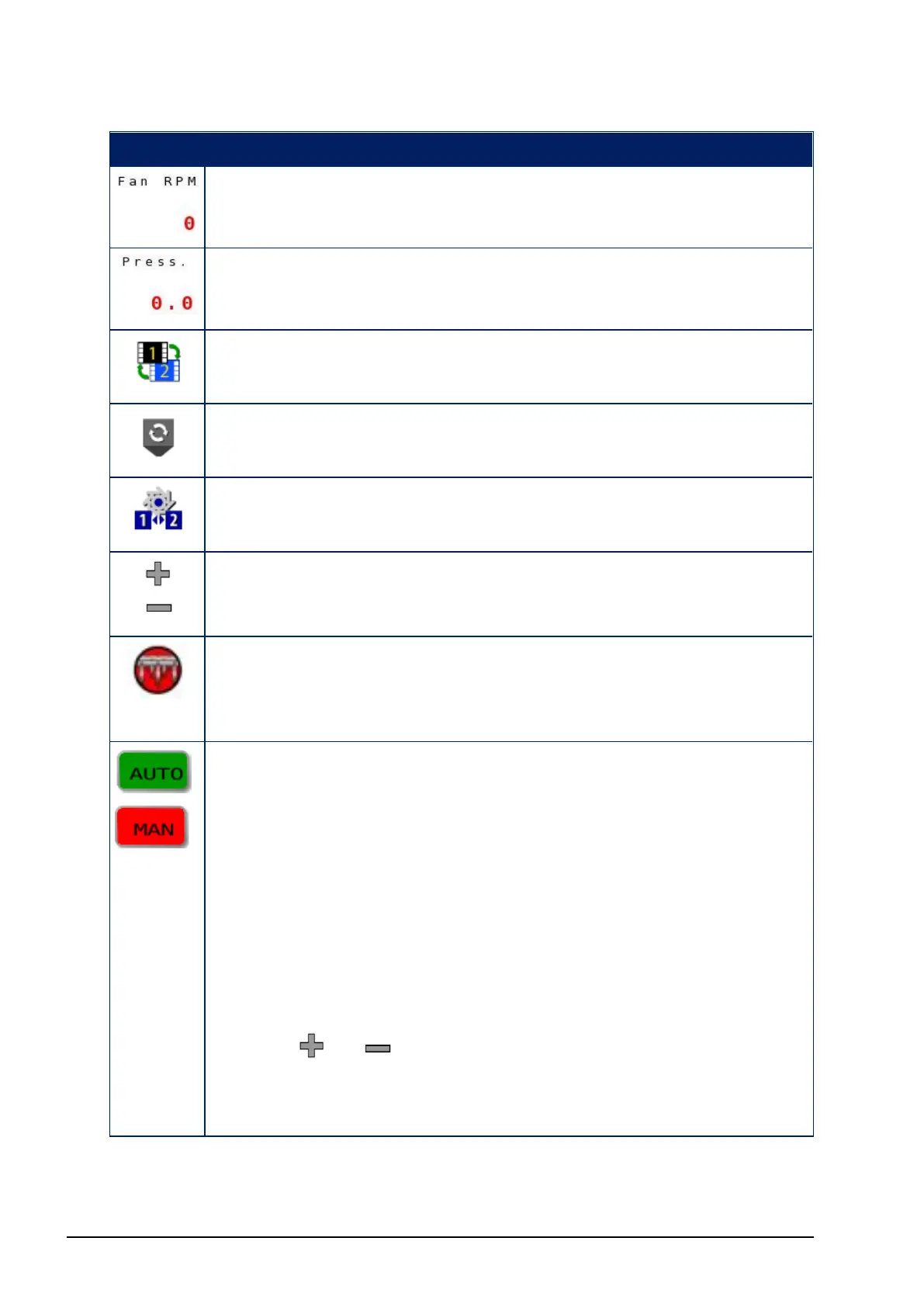
Fan 1 and/or 2 RPM (if enabled in Fan Settings screen)
Fan 1 and/or 2 Pressure (if enabled in Fan Settings screen)
Toggles between operation screen 1 and 2.
Enable/disable the selected tank.
Activate preset application rates. See Setting up products,
page 39.
Increase/decrease the application rate by set amount. See
Setting up products, page 39.
The master switch may be controlled via the operation
screen if set to Virtual or Keypad/Virtual. See Setting up
external options, page 17.
The Auto / Man button is only available for liquid or NH3
tanks. Pressing the button toggles the tank between auto
and manual modes.
Auto is displayed when the tank is in auto mode. In this
mode, the ECU actively controls the valve to achieve the
required application rate.
Man is displayed when the tank is in manual mode. In this
mode, the ECU is not actively controlling the valve and the
valve will be left in a fixed position, unless the operator
uses the or soft keys to manually adjust it. This
mode can be useful to allow the required pressure to be
reached while the implement is stationary.



 To Next Page