Chapter 10 – Seeder Operation
81
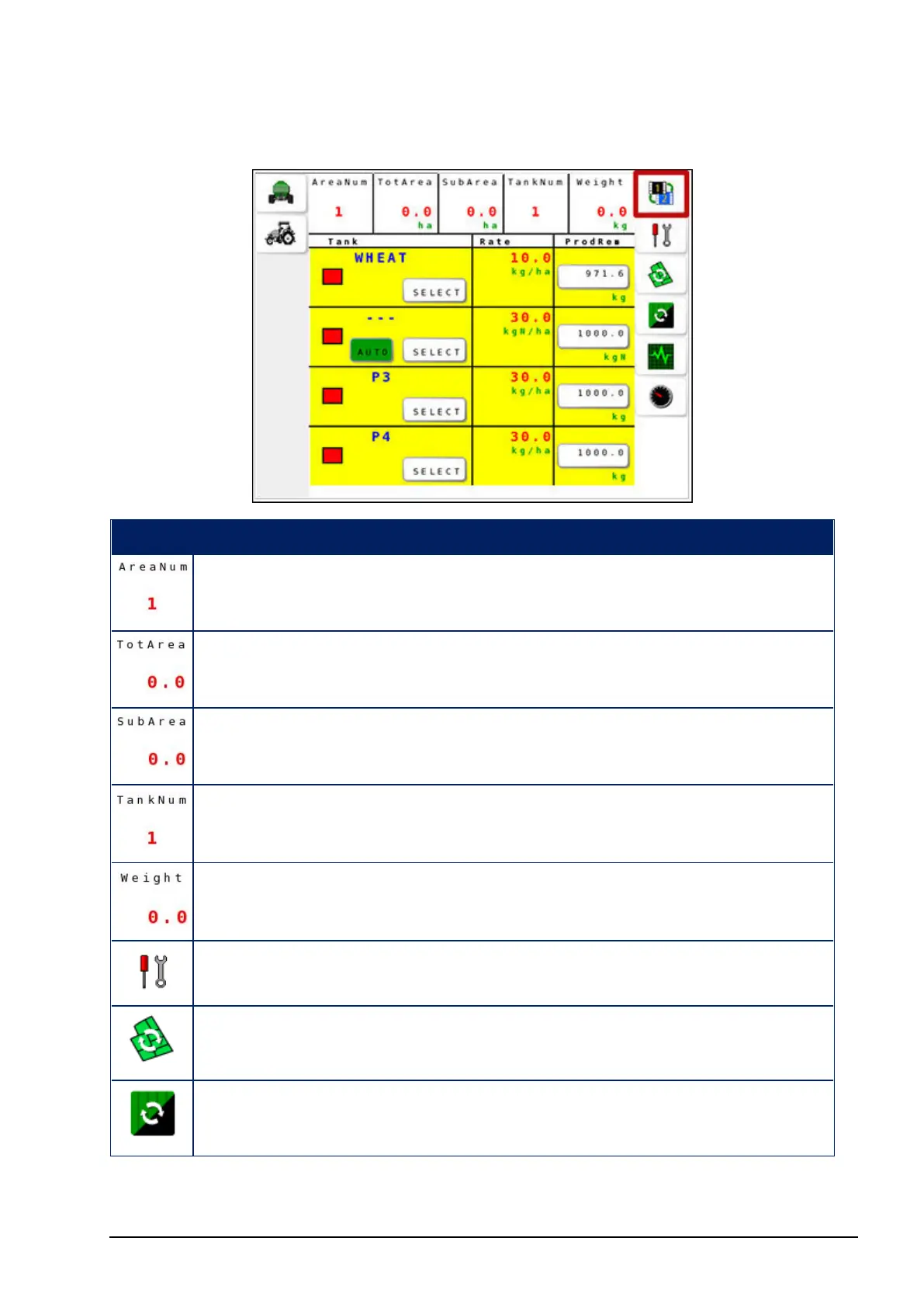
Operation screen 2
Icon Description
Currently selected Area number for accumulating data.
Total (cumulative) area covered. At least one tank must be
turned on.
Cumulative area covered for the selected tank (see TankNum
below) and area (see AreaNum above).
Currently selected tank for displaying SubArea and Weight
totals.
Total product output for the selected tank (TankNum) and area
(AreaNum).
Select the settings menu. See Settings menu, page 4.
Reset the sub area counter. See Selecting and resetting area
counters, page 84.
Resets the total area. See Selecting and resetting area counters,
page 84.



 To Next Page