Configuration
HiPer Pro Operator’s Manual
2-6
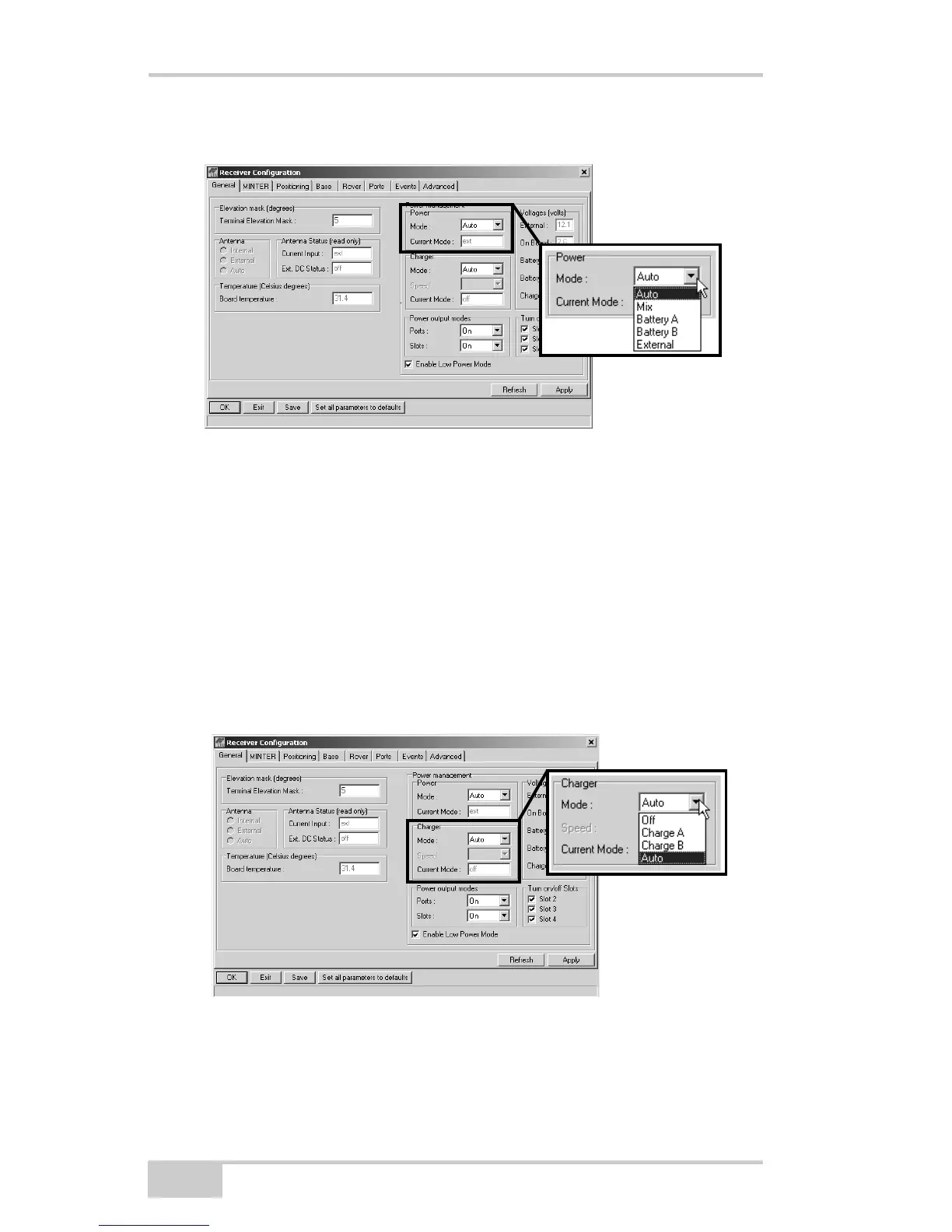
• External – receiver uses an external power supply
Figure 2-2. Select Power Mode
4. Select the Charger Mode drop-down list to set the desired charger
mode (Figure 2-3). Current Mode displays the charging battery:
a, b, or none (off).
• Off – receiver will not charge batteries
• Charge A – receiver charges only battery A
• Charge B – receiver charges only battery B
• Auto – receiver automatically detects and charges both
batteries
Figure 2-3. Select Charger Mode



 To Next Page