Configuration
HiPer Pro Operator’s Manual
2-8
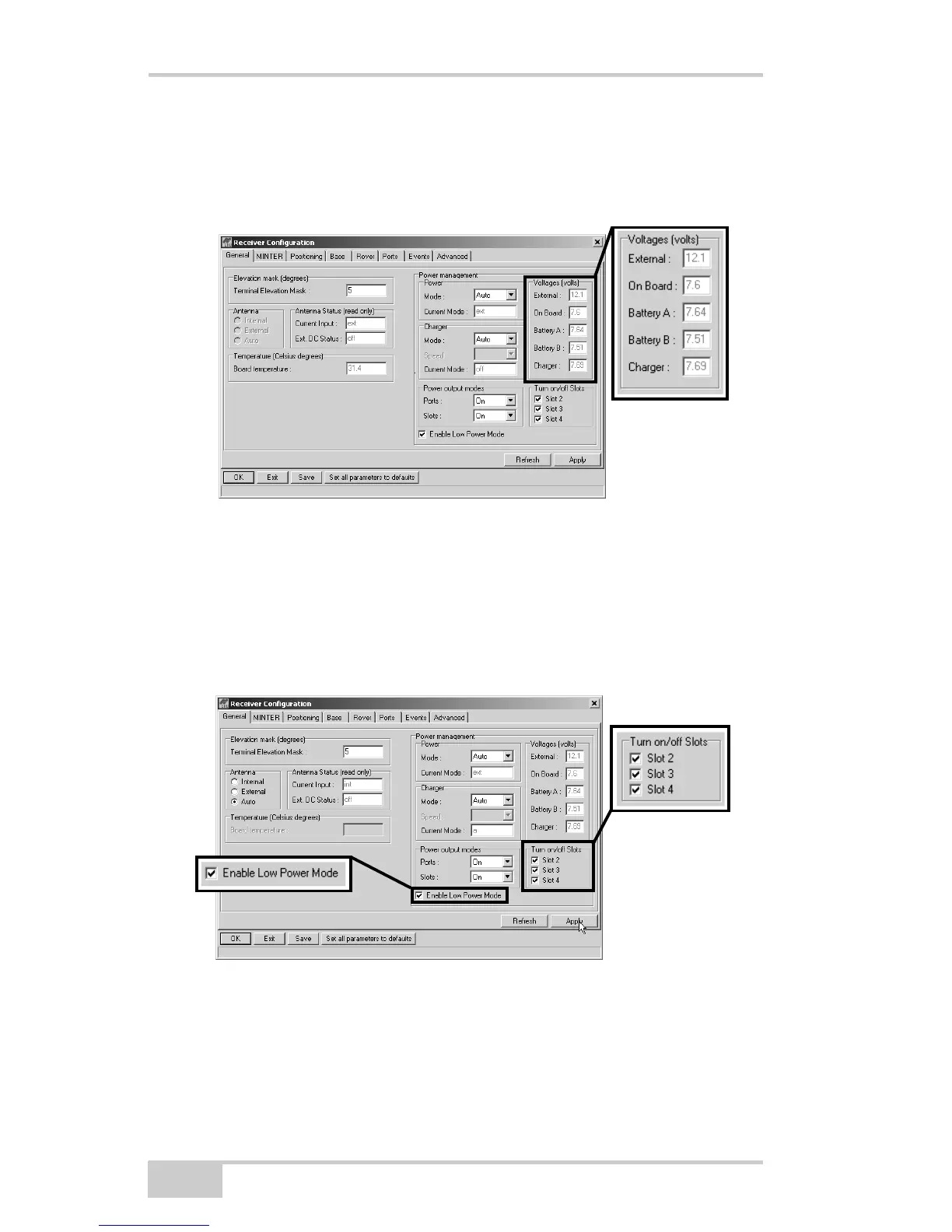
• Battery B – displays the voltage of battery B
• Charger – displays the charger’s output voltage during battery
charging
Figure 2-5. View Voltages Information
8. Select and check each of the Turn on/off Slots check boxes to
enable the corresponding internal slots (Figure 2-6).
9. Select and check the Enable Low Power Mode check box to put
the receiver’s processor into low power consumption mode
(Figure 2-6).
Figure 2-6. Enable and Apply Power Settings
10. Click Apply.



 To Next Page