Bluetooth Module Configuration
P/N 7010-0681
2-33
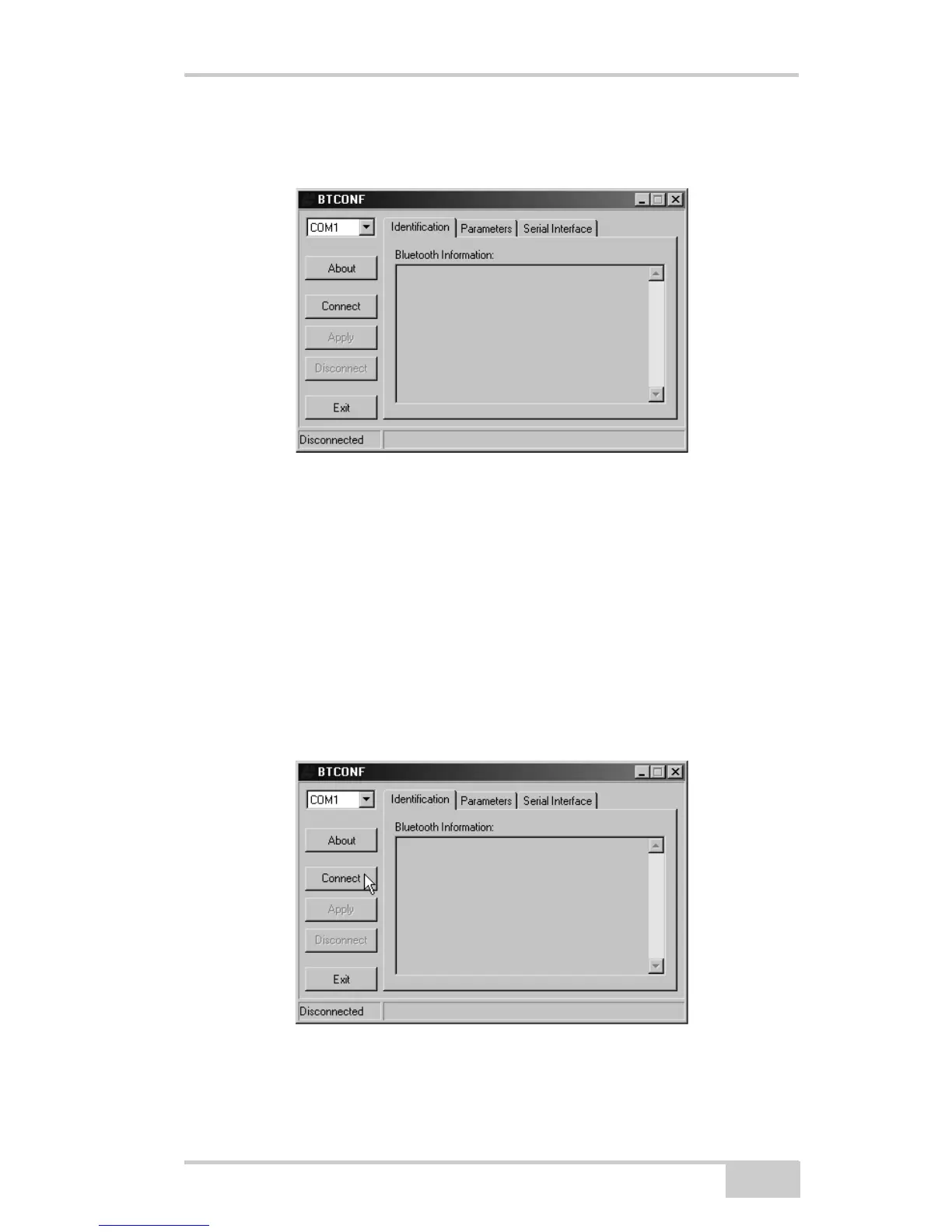
2. Run the Bluetooth module configuration program (Btconf.exe)
(Figure 2-23).
Figure 2-23. Bluetooth Module Configuration Main Screen
Notice that the lower left corner shows a “Disconnected” status
for the computer and Bluetooth module.
For BTCONF version and copyright information, click the About
button.
3. From the drop-down list in the upper left corner, select the
computer serial port (usually COM1) used for communication
(Figure 2-24).
4. Click Connect to connect the computer and Bluetooth module
(Figure 2-24).
Figure 2-24. Select Communication Port and Click Connect



 To Next Page