Setup and Survey
HiPer Pro Operator’s Manual
3-12
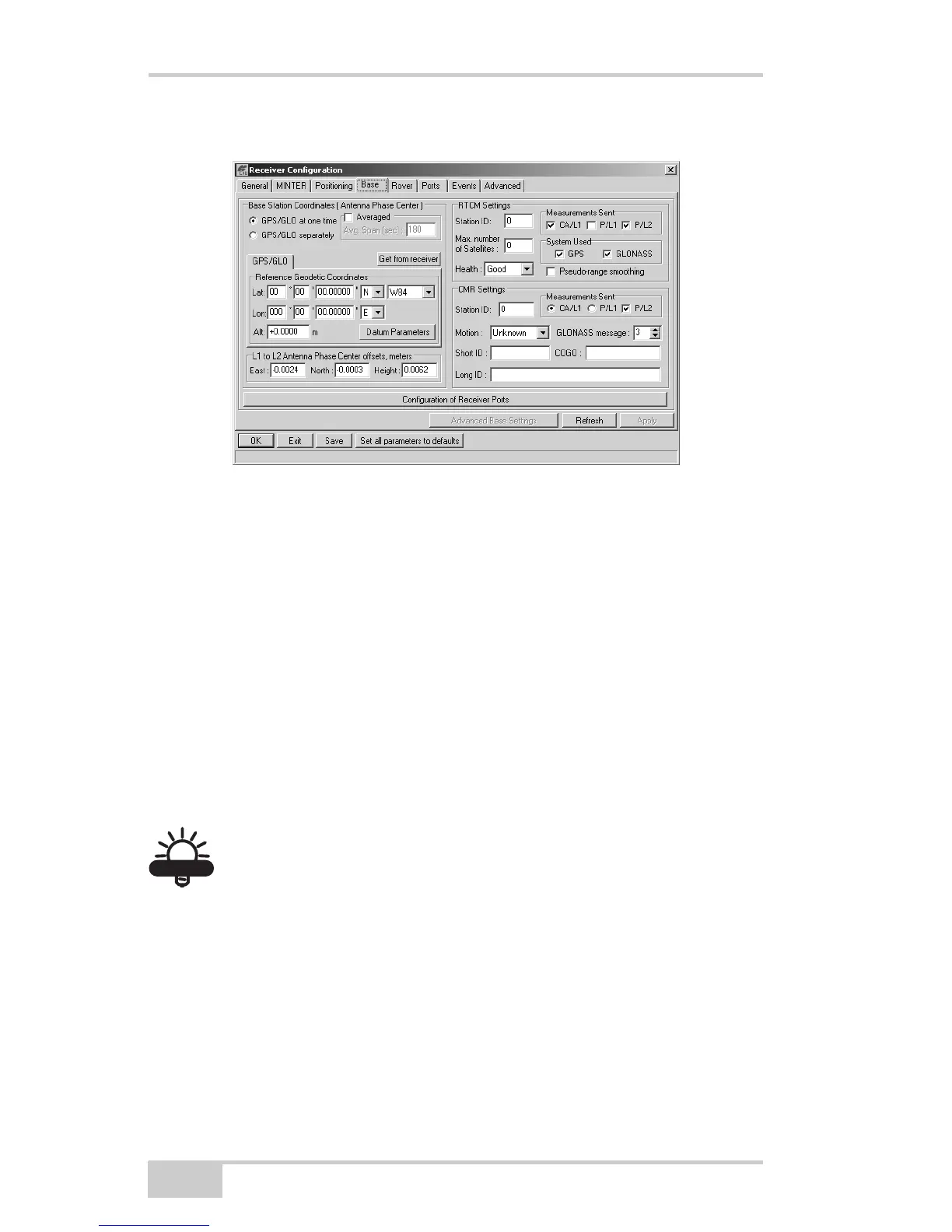
Figure 3-8. Base Configuration
10. Click the Ports tab and set the following port parameters
(Figure 3-9).
• Output drop-down list – select type and format of differential
corrections.
• Period (sec) – enter interval at which receiver will generate
differential corrections.
• Baud rate drop-down list – select a baud rate (i.e., the rate at
which differential messages will be transmitted from receiver
to modem).
• RTS/CTS – select to enable handshaking.
TIP
TIP
Use a 38400 baud rate.



 To Next Page