Machine Measurements and Configuration
Entering Sensor Information
40
Excavator Indicate System P/N: 1022461-01
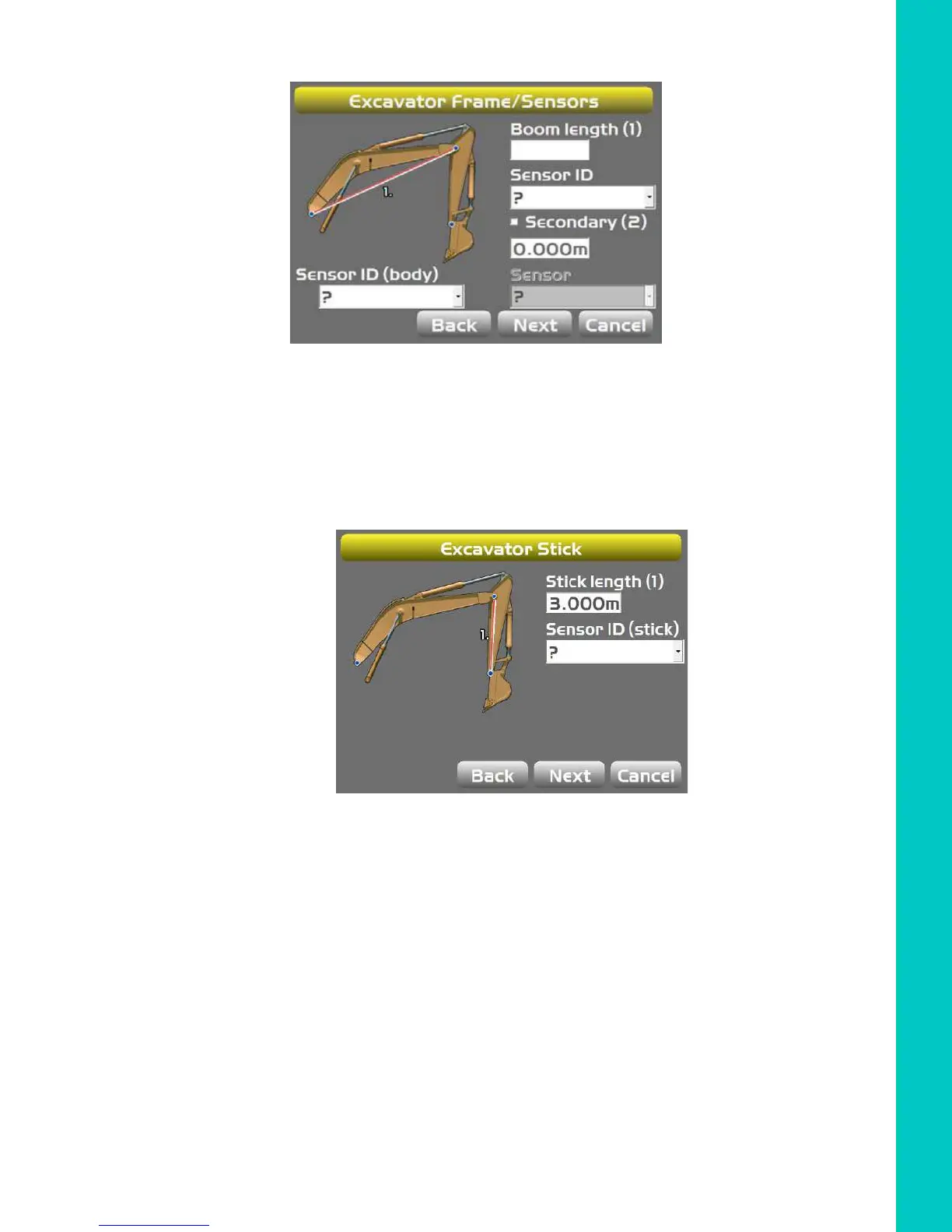
1. Tap Next to navigate to the Excavator Frame/Sensor screen (Figure 51).
Figure 51: Select Body and Boom Sensor ID
2. Tap the appropriate Sensor ID box and select the serial number (last two digits) of the sensor
corresponding to the machine element.
3. Enter the appropriate values.
4. Tap Next to access the Excavator Stick screen.
Figure 52: Select Stick Sensor ID
5. Enter the appropriate values, and select the corresponding sensor.



 To Next Page