Updating Firmware
49
P/N: 1011907-01
Configuration
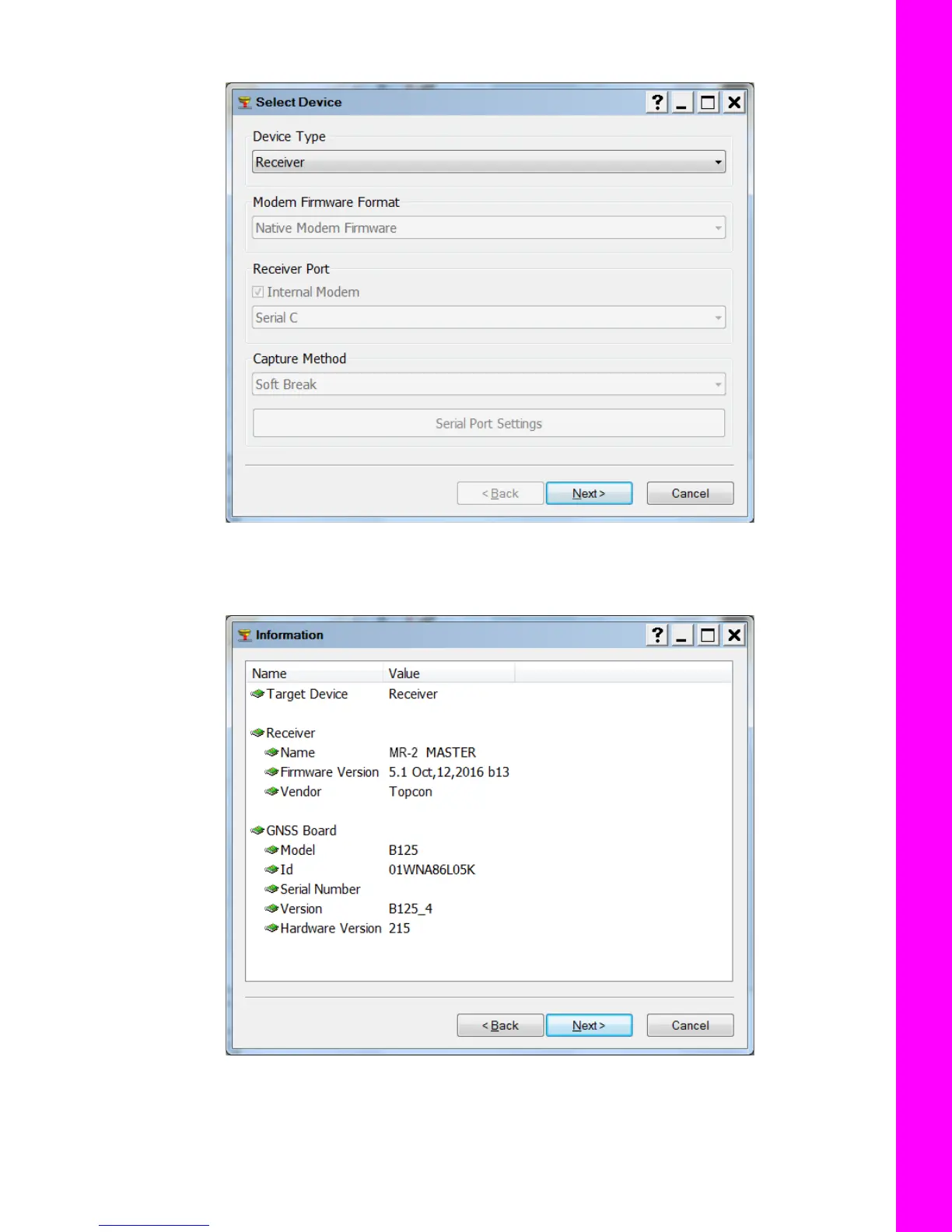
6. Click the Firmware Loading icon. The Select Device screen appears (Figure 60).
Figure 60: TRU – Firmware Loading
7. Select Receiver from the Device Type drop-down list.
8. Click Next. The Information screen appears (Figure 61).
Figure 61: TRU – Receiver Information
9. Verify that the information is correct, and click Next. The Select Files screen appears
(Figure 62 on page 50).



 To Next Page