Updating Firmware
50
P/N: 1011907-01
Configuration
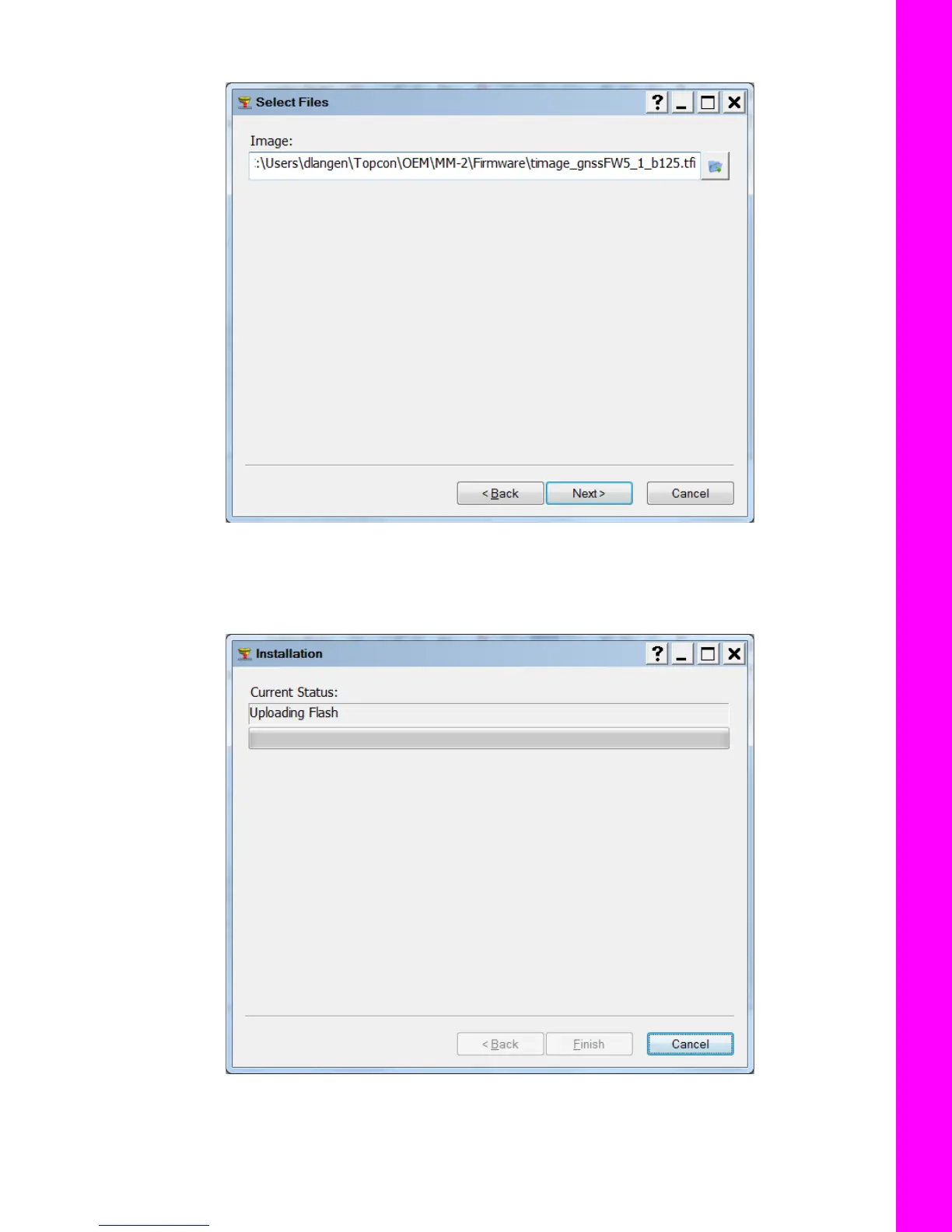
10. Click the folder icon, navigate to, and select the firmware build you downloaded in step 1.
Figure 62: Locate and Select Firmware
11. Click Next to the begin the upload.
Once the begins, a status screen appears (Figure 63). Do not unplug the power or Ethernet connection during
this process.
Figure 63: Firmware Upload In Progress



 To Next Page