Updating Firmware
51
P/N: 1011907-01
Configuration
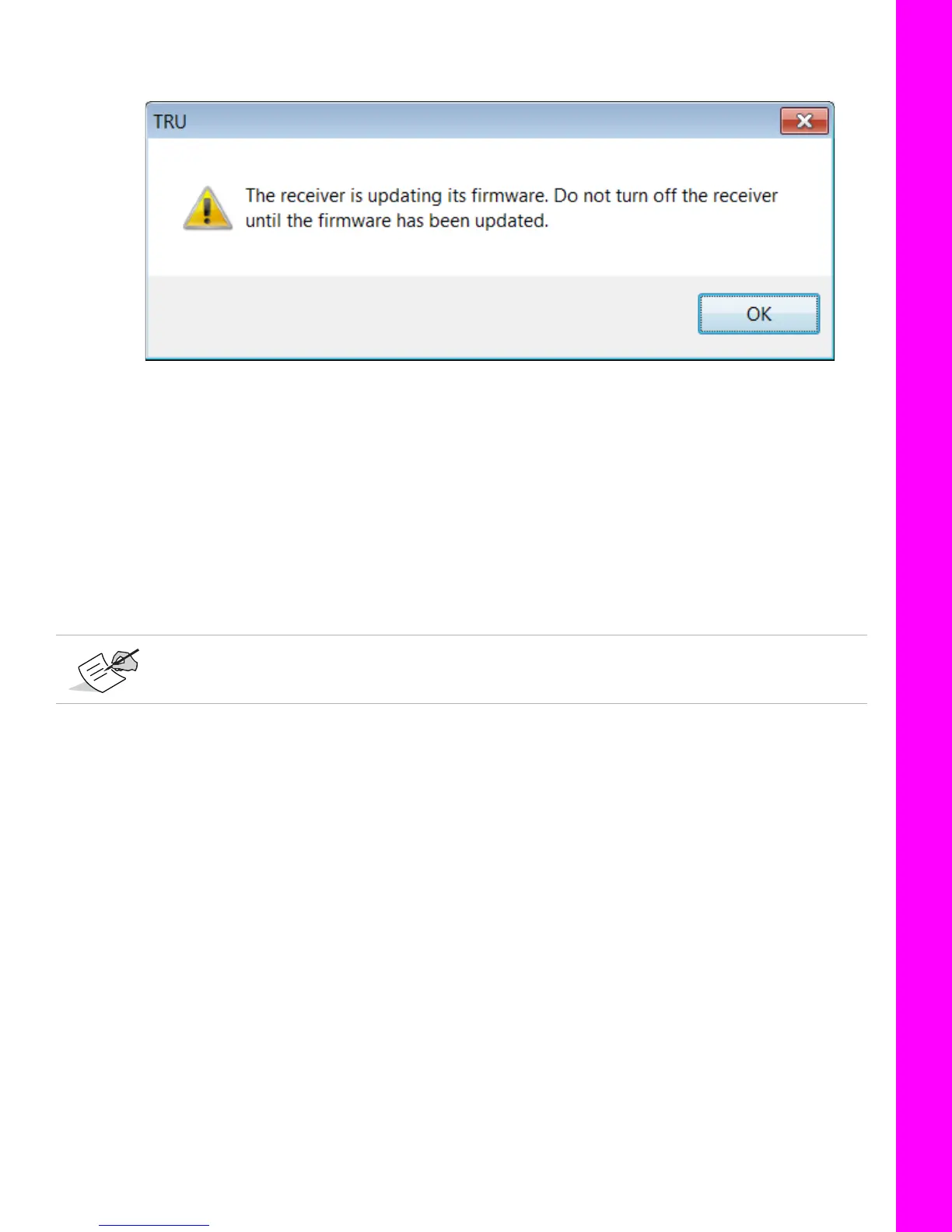
12. When the upload ends, click Finish. A prompt appears indicating that the receiver is updating firmware
(
Figure 64).
Figure 64: Firmware Update In Progress
13. Wait approximately ten minutes for the process to finish.
14. Click OK to return to the Select Device screen.
15. Open the Terminal window in TRU.
16. Enter
print,dev/core:on
and click Send.
During the update process, the receiver will return the following:
RE00F/par/dev/core={
RE01B 0={mode=normal,state=run},
RE01F 1={mode=update,state=updateX}}
When the update process is finished, the receiver will return the following:
RE00F/par/dev/core={
RE01B 0={mode=normal,state=run},
RE01B 1={mode=normal,state=run}}
17. Repeat steps 2-16 for the auxiliary board.
18. When both boards have been updates, disconnect from the receiver in TRU.
For
RE01F 1={mode=update,state=updateX}}
,
X
will increase from 1 to 7.



 To Next Page