10: TROUBLESHOOTING
©Tormach® 2024
Specifications subject to change without notice.
Page 62 UM10825: AF50+ Autofeed Bandsaw Operator's Manual (Version 0324A)
For the most recent version, see tormach.com/support
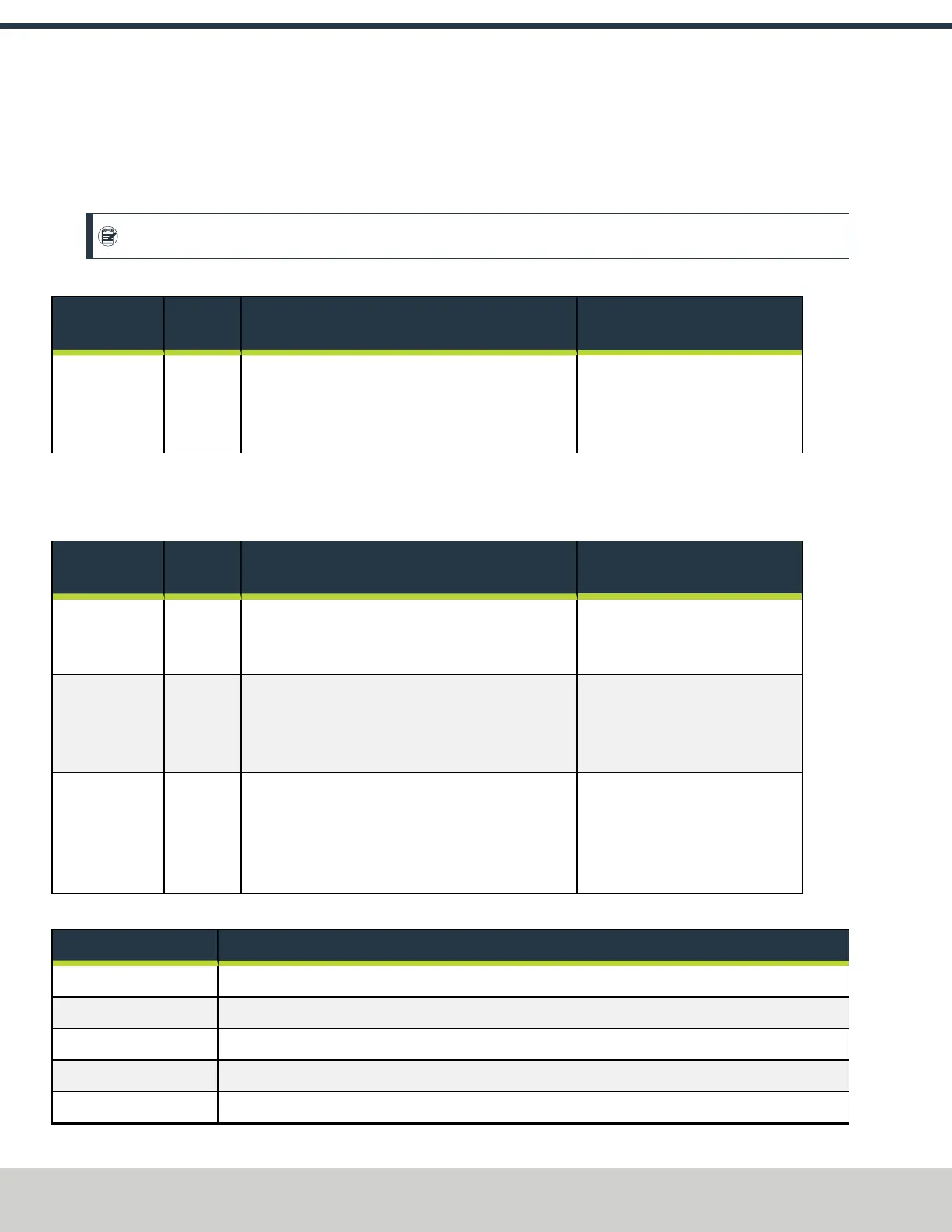
10.2.2 Error on the Control Panel
For information on bandsaw error codes, see "Bandsaw Error Codes Reference" (below).
Control Panel Displays CS
l
Problem The control panel displays CS.
Note: This message display isn't an error. It indicates that the machine is ready for the cycle start command.
l
Cause The machine is ready to operate: push the green Cycle Start (CS) button.
You May Need
To...
Probability How-To Steps Need More?
Push the green
Cycle Start (CS)
button.
High CS on the control panel display indicates that the
machine is ready for the cycle start command. Push the
Cycle Start (CS) button, and the machine begins
automated function.
For information, see "Use
Automatic Mode" (page38) or "Use
Manual Mode" (page42).
Control Panel Displays E**
l
Problem The control panel displays E**.
l
Cause You may need to make adjustments to the machine, or adjust the air pressure.
You May Need
To...
Probability How-To Steps Need More?
Adjust the
proximity
switch.
High Verify that the proximity switch is properly adjusted: it
must be about 1 mm from the activating position.
For information, see "Verify the
Proximity Sensor Installation"
(page25).
Adjust the air
pressure.
High Verify that the machine's automated movement can
move to the endpoint in the allowed time window.
Examine the machine's air pressure. If it's below 90 psi,
adjust it.
For information, see "Air
Requirements" (page17).
Adjust the vise
jaws.
Low Verify that the machine advances the material in the
allowed time window. Examine the vise jaws to
confirm that they're properly adjusted, and that they
don't allow the material to drag. If the vise jaws
constrict the material, adjust them.
For information, see "Mechanical
Adjustments" (page67).
Bandsaw Error Codes Reference
Error Description
CS
Waiting for user input. Press the Cycle Start button.
E10
The saw lift timed out. It never reached it's required height.
E11
Incorrect user input; cut canceled. To start the operation, press the Cycle Start button twice.
E12
Saw lift proximity sensors (up and down) are both active.
E13
Infeed and outfeed proximity sensors (forward and rear) are both active.


 To Next Page