10: TROUBLESHOOTING
©Tormach® 2024
Specifications subject to change without notice.
Page 67 UM10825: AF50+ Autofeed Bandsaw Operator's Manual (Version
0324A)
For the most recent version, see tormach.com/support
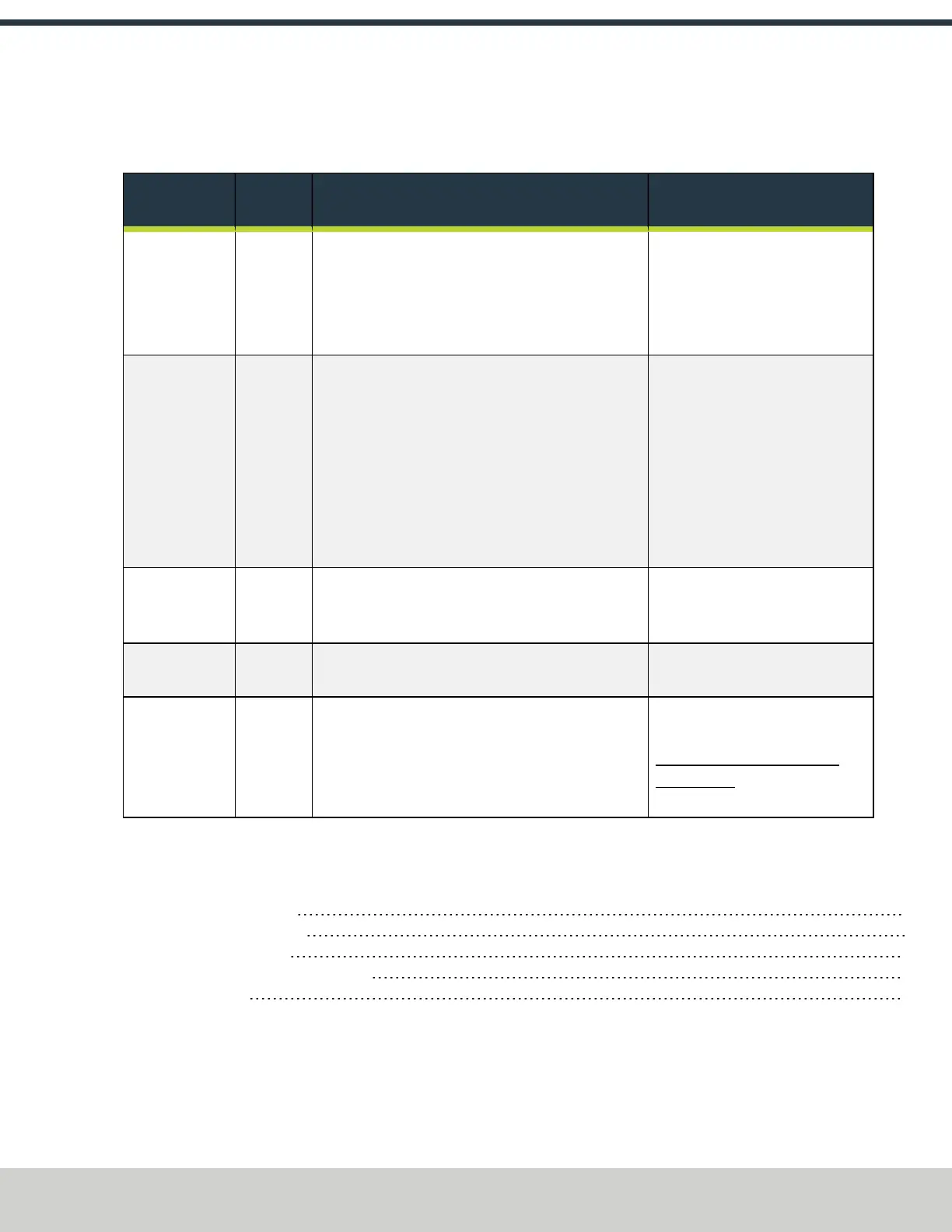
10.2.5 Noise or Machine Vibration
l
Problem The machine vibrates or operates loudly.
l
Cause There may be damaged components, or you may need to use a different blade or cutting speed.
You May Need
To...
Probability How-To Steps Need More?
Change the
blade or the
cutting speed.
High
l Verify that the blade's TPI isn't too high: you must
use the correct blade for the material.
l Verify that the cutting speed isn't too high: lower
the cutting speed, and then do a test cut.
Examine the behavior of the machine as it cuts.
For information, see "Choose a
Blade" (page30) or "Change the
Speed" (page34).
Examine the
workpiece setup.
High
l
Manual Operation Verify that the workpiece
isn't too loose: use the handwheel to tighten the
clamp on the front vise. If necessary, use a jig to
hold the workpiece.
l
Automatic Operation Examine the vise clamps:
verify that there is 1/8 in. or less of a gap
between the clamps and the material. Then,
verify that the vise jaw clamping pressure isn’t
set too low for the material.
For information, see "Use
Automatic Mode" (page38) or "Use
Manual Mode" (page42).
Replace or
sharpen the
blade.
Medium Examine the blade for dullness. If it's too dull, sharpen
or replace it.
For information, see "Change a
Blade" (page30).
Fill the oil in the
gearbox.
Medium Examine the oil level in the gearbox. If necessary, fill it
to an appropriate level.
For information, see "Replace the
Gearbox Oil" (page46).
Replace the
motor fan cover
or the fan.
Low Examine the motor fan cover and the fan:
l
Motor Fan Cover If it's dented, replace it.
l
Fan If it's damaged or loose, replace it.
Create a support ticket with
Tormach Technical Support at
tormach.com/how-to-submit-a-
support-ticket for guidance on how
to proceed.
10.3 MECHANICAL ADJUSTMENTS
If your machine isn't operating as expected, there are many tips and mechanical adjustments that you can follow to solve the problem.
10.3.1 Adjust the Blade Guides 67
10.3.2 Adjust the Blade Tracking 68
10.3.3 Adjust the Blade Brush 72
10.3.4 Adjust the Height of the Infeed Table 73
10.3.5 Adjust the Jaws 74
10.3.1 Adjust the Blade Guides
1. Power off the bandsaw and disconnect it from the main air supply.
a. Push the Emergency Stop button on the operator panel to lock it into the disabled position.
b. Turn the Main Disconnect switch to OFF.


 To Next Page