EasyManua.ls Logo

Troxler EGauge Combo 4540 - Extended Menu

Troxler EGauge Combo 4540
188 pages
Print Icon
To Next Page IconTo Next Page
To Previous Page IconTo Previous Page
Loading...
Model 4540
92
Extended Menu
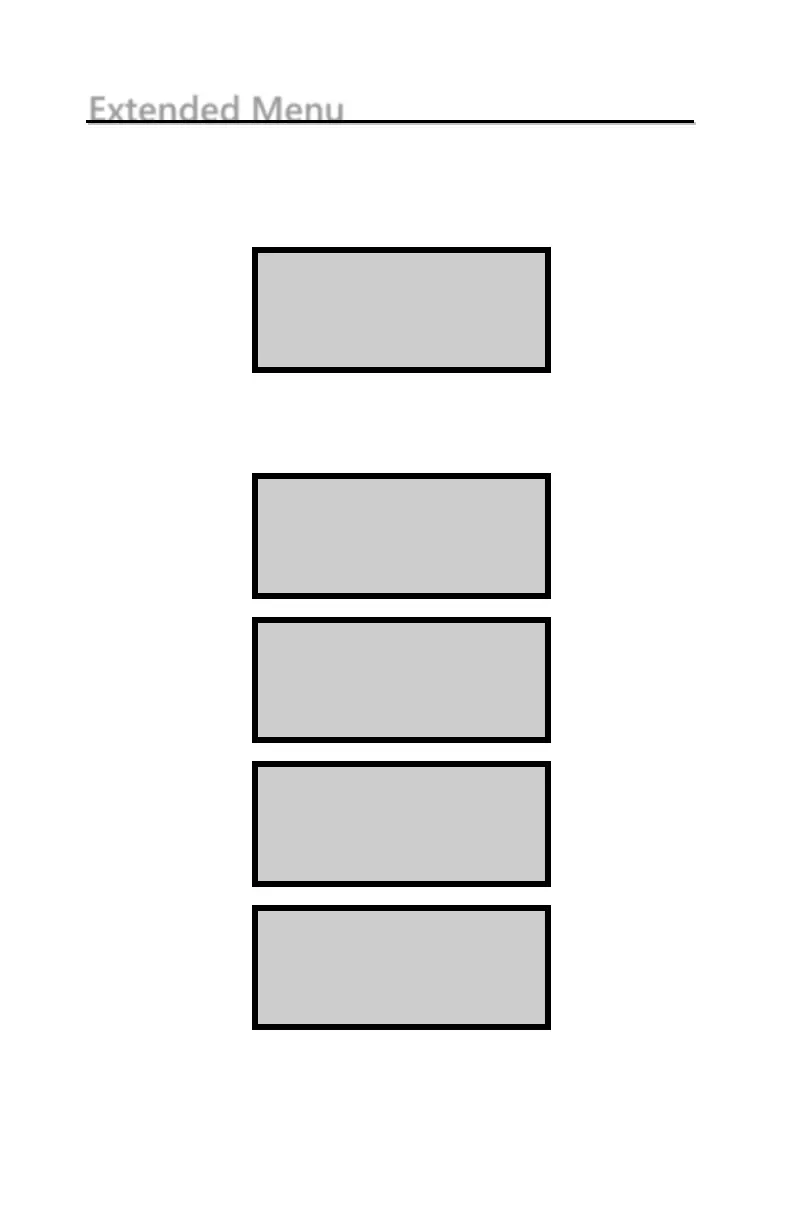
To access the Extended menu, press SETUP to display the
Setup menu, then press . 9. The gauge requests an access
code:
Enter the access code shown on page xv and press the
ENTER/START key. The gauge displays the Extended menu:
Use the up and down arrows to scroll between the menu
options. To select a menu option, press the corresponding
numeric key. To return to the Setup menu, press the ESC key.

Input Access Code
_
Press <ENTER>
-Extended-
1. Clock/Calendar
2. User ID
3. Customer Name
-Extended-
4. Source Decay
5. Erase Stnd. Cnt.
6. Low Batt Warning
-Extended-
7. Software Reset
8. Show Cal. Const.
9. Input Cal. Const
-Extended-
7. Software Reset
8. Show Cal. Const.
9. Test Menu

Table of Contents

Other manuals for Troxler EGauge Combo 4540

Related product manuals