Page 62
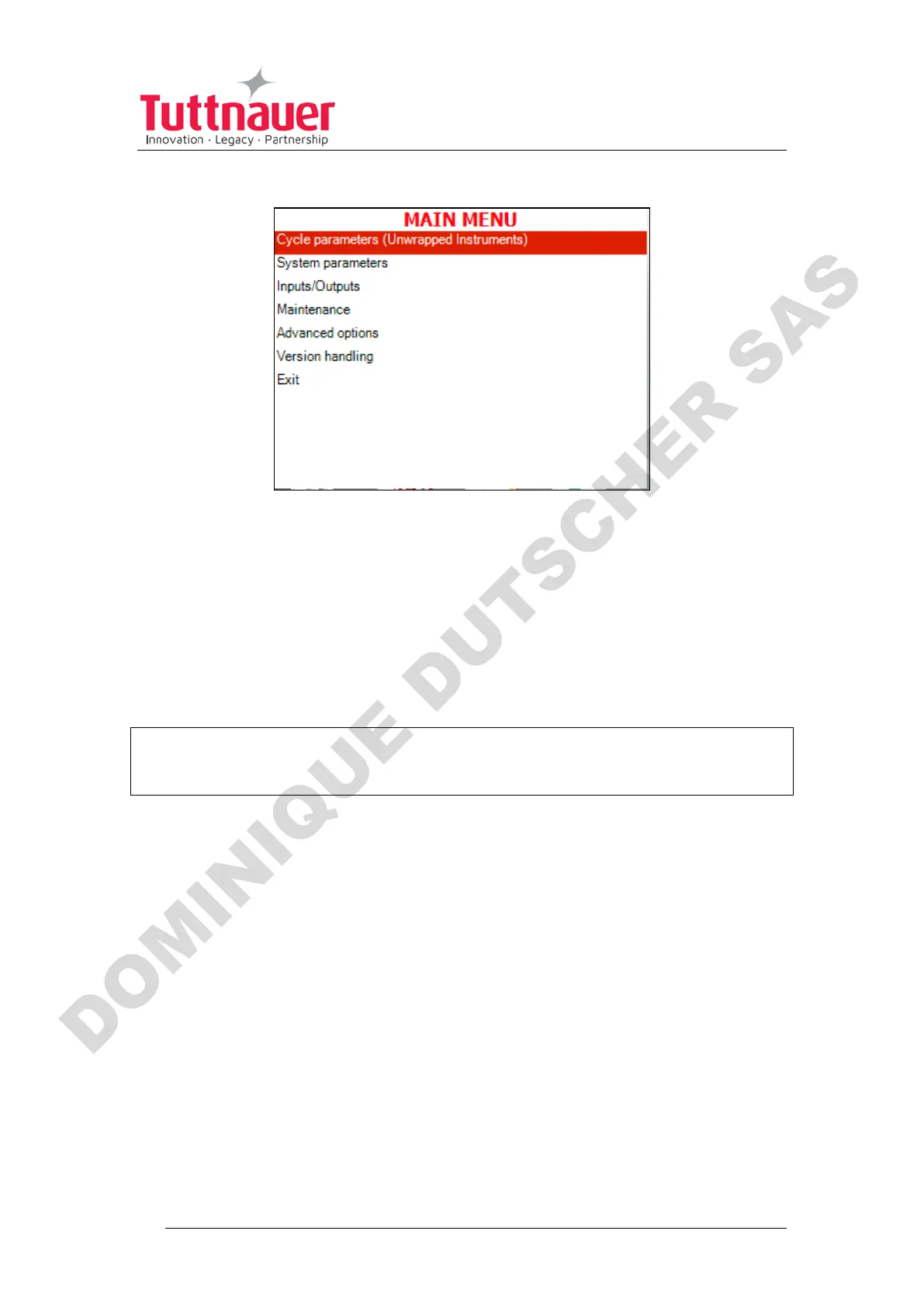
• Set the code to 0001. You will get to the Main menu.
Below is the list and the explanation of some options available to user
on the Main Menu.
7.5 Changing parameters
Bacsoft control panel provides an interface that consists of control
screens available through an easy scrollable menu tree.
To learn how to scroll through the menus, change the parameters,
and perform some other functions using our three-button keypad,
see 7.1 and 7.2.
Below is the typical parameter changing screen:












 To Next Page