Page 81
10.7 Closing the door – MD models (mechanical door)
1. Close the door.
2. Move the door handle (1) from position "unlocked" (3) to position
"locked" (2).
3. The open door symbol is replaced by the message "System
Ready".
10.8 Closing and locking the door – D models (automatic
door)
To close the door, follow the following steps:
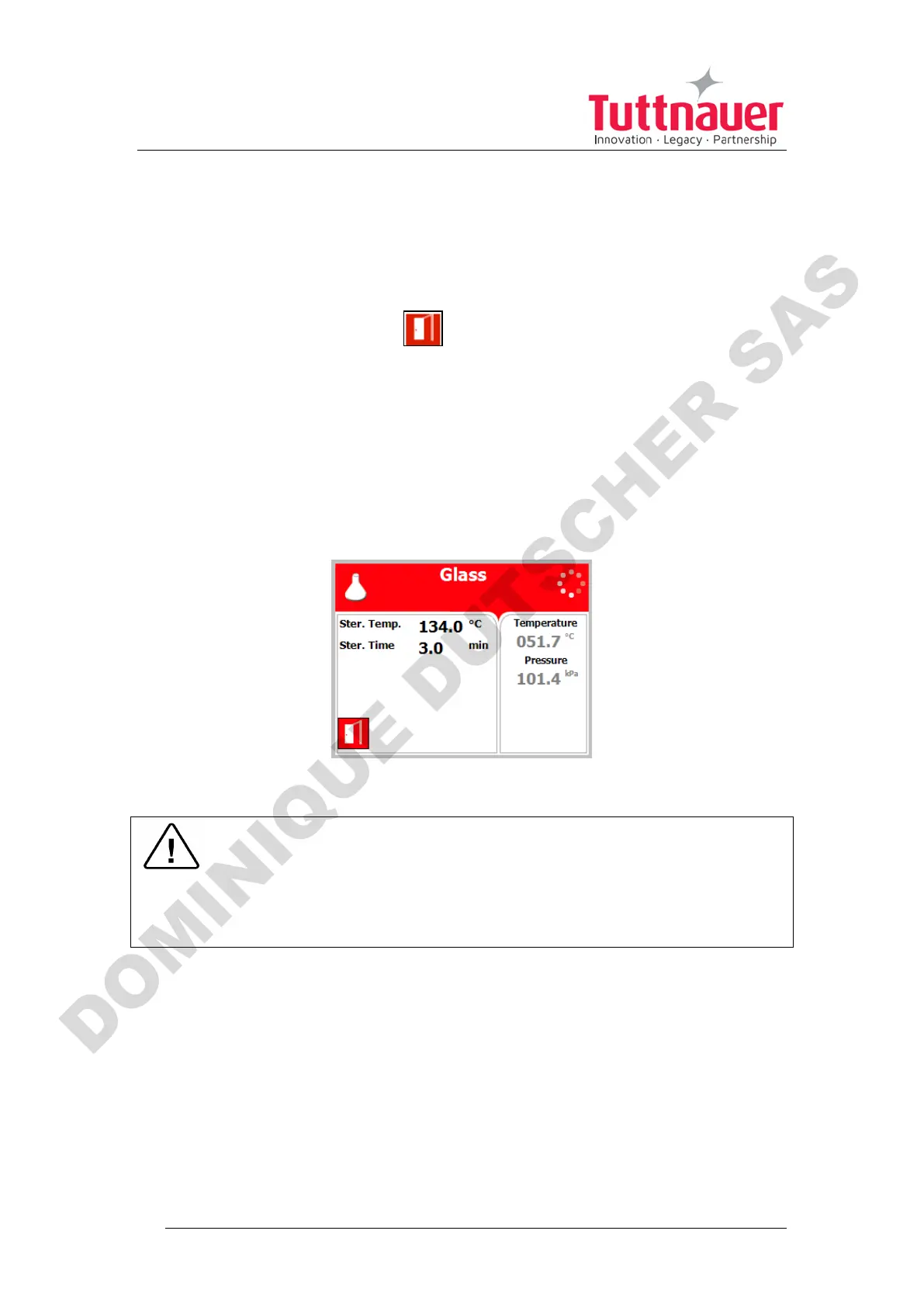
When the door is open, the screen below will be displayed:
1. Close the door:
Warning!
To close and lock the door push the door to the wall of the
autoclave chamber (for about 10 seconds) until the "System
Ready" message appears as shown below!












 To Next Page