Page 26
START/STOP key enables moving to the next
position.
o When the cursor is blinking on a menu selection, the
START/STOP key activates that selection.
Printer
The printer is an optional device.
It prints the detailed history of each cycle performed by the autoclave.
The printing is on thermal paper with 24 characters per line and
records the sterilization cycle information for subsequent consideration.
4.3 Displayed Error Messages / Symbols
The failures are divided into two categories .
a. Failure that occurs before completing the sterilization stage, which in
this case will leave the load unsterilized.
b. Failure that occurs after completing the sterilization stage, which in
this case will leave the load sterilized.
For the list of Displayed Error Messages / Symbols
see sec. 12. TROUBLESHOOTING
4.4 Displayed operational messages / Symbols
Message / Symbol
Description
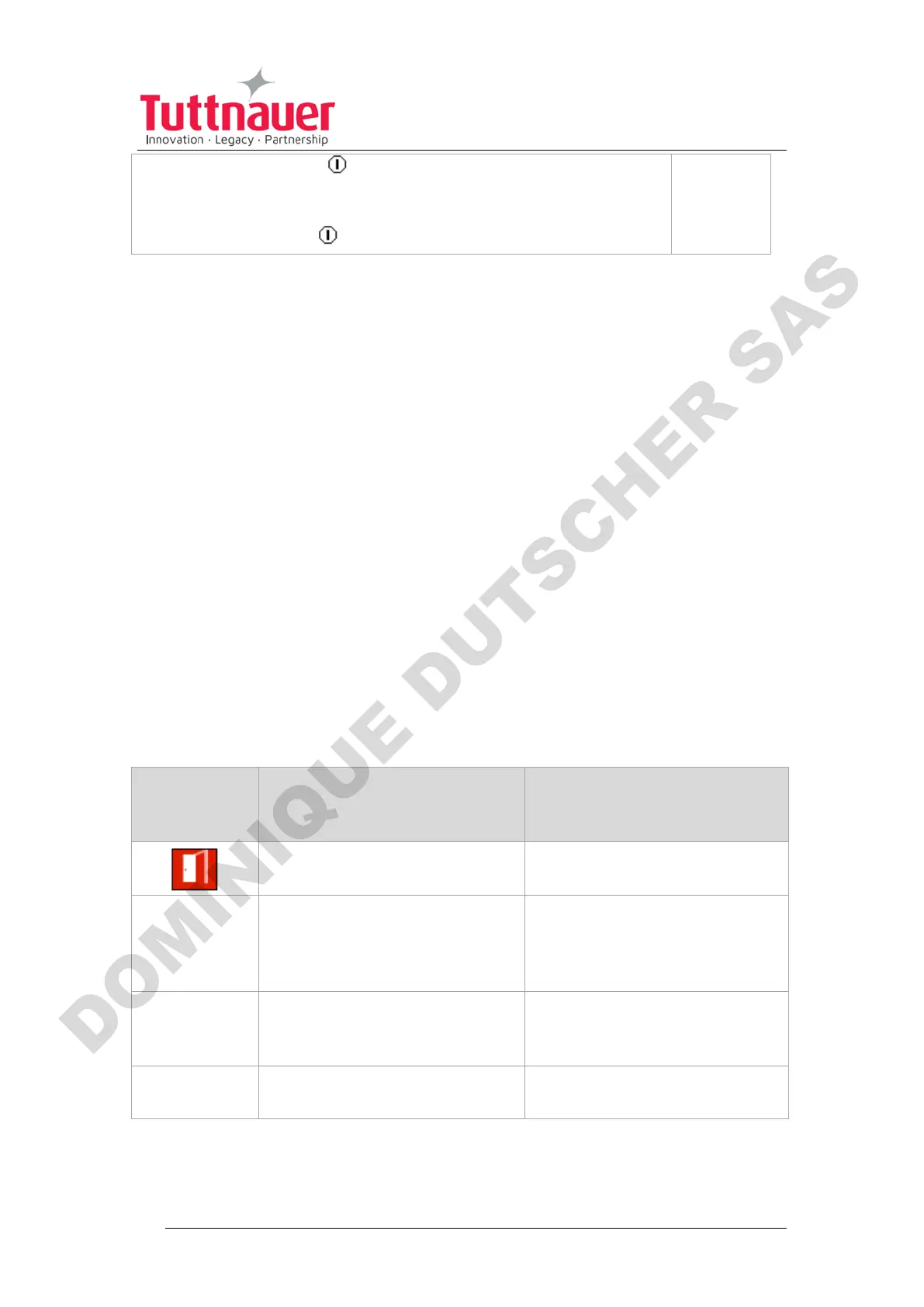
This symbol is displayed
when the door is open.
Door is open
(during stand
by)
This message is displayed
when the door is opened: In
standby - if START/STOP is
preset.
Close the door to perform a
new cycle.
This message is displayed
when the cycle ended
successfully.
Press START/STOP to
perform a new cycle.
This message is displayed
when the test ended.
Press START/STOP to
perform a new test












 To Next Page