Installation/Wiring 3-3
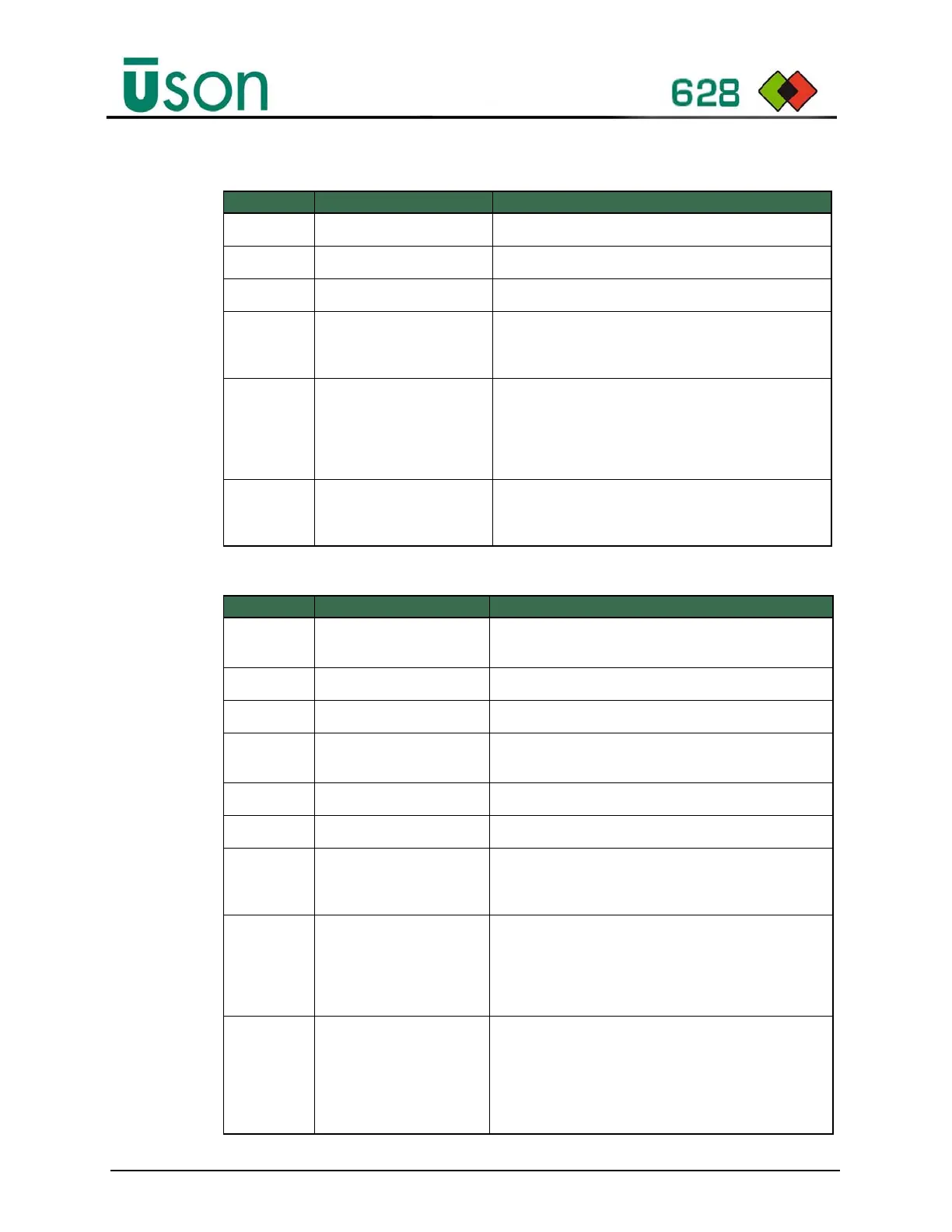
Table 3–1: Description of Rear Panel Electrical Connections
Table 3–2: Description of Rear Panel Pneumatic Connections
Item Connection/Control Description
AFuse
The main inlet fuse T5.0A/250V, 20mm, glass.
B On/Off Switch:
Used to switch the tester On/Off.
C Power Supply Connector
24V DC inlet power connection.
DSerial Port
9-pin male, D type connector for connection to an
optional serial printer or other external serial data
collection device.
E I/O Control
25-pin female D type connector for connecting to the
optional remote unit, or any other external device
requiring access to the Program selection, Start and
Reset inputs, and/or the Pass, Reject, End of cycle,
and Alarm outputs.
F USB 2.0 Host
Used for logging test results, Exporting/Importing
Data, and Firmware update. Note: FAT 32 formatted
devices only.
Item Connection/Control Description
G Regulator
Controls the test pressure for manual regulated
versions.
HVent Port
Vents test air.
ISC Port
Usually left blank.
J
External Valve Mounting
Point:
For use with External valve option kit 620090.
K Reference Port
Usually left blank.
LTest Port
Connects to the component to be tested.
M Air inlet port and filter
The compressed air supply entering the instrument
must be clean and dry, a high-quality filter/regulator kit
is recommended to improve quality.
N Pneumatic Option Port
This port is used for the following pneumatic options:
1. External Vent Valve pilot port.
2. Vacuum venturi exhaust port.
3. Vacuum Inlet port for optional external vacuum
supply.
O Couple Port
This provides a controlled pilot air supply at 5 bar (72
PSI) to seal a pneumatic coupling to the test
component. It incorporates a safety interlock, which
holds the pressure in the event of a power failure. The
couple port pressure is maintained until the end of the
test cycle.



 To Next Page