How To 7-1
7
Chapter 7How To
7.1 Program Basic Test Parameters
7.1.1 Preliminary Tasks
1. To begin setting up test parameters, you will need to get the unit up and
running by connecting the air and electrical supplies (refer to Safety,
Installation/Wiring, and Getting Started sections earlier in this document).
2. Switch the Tester On.
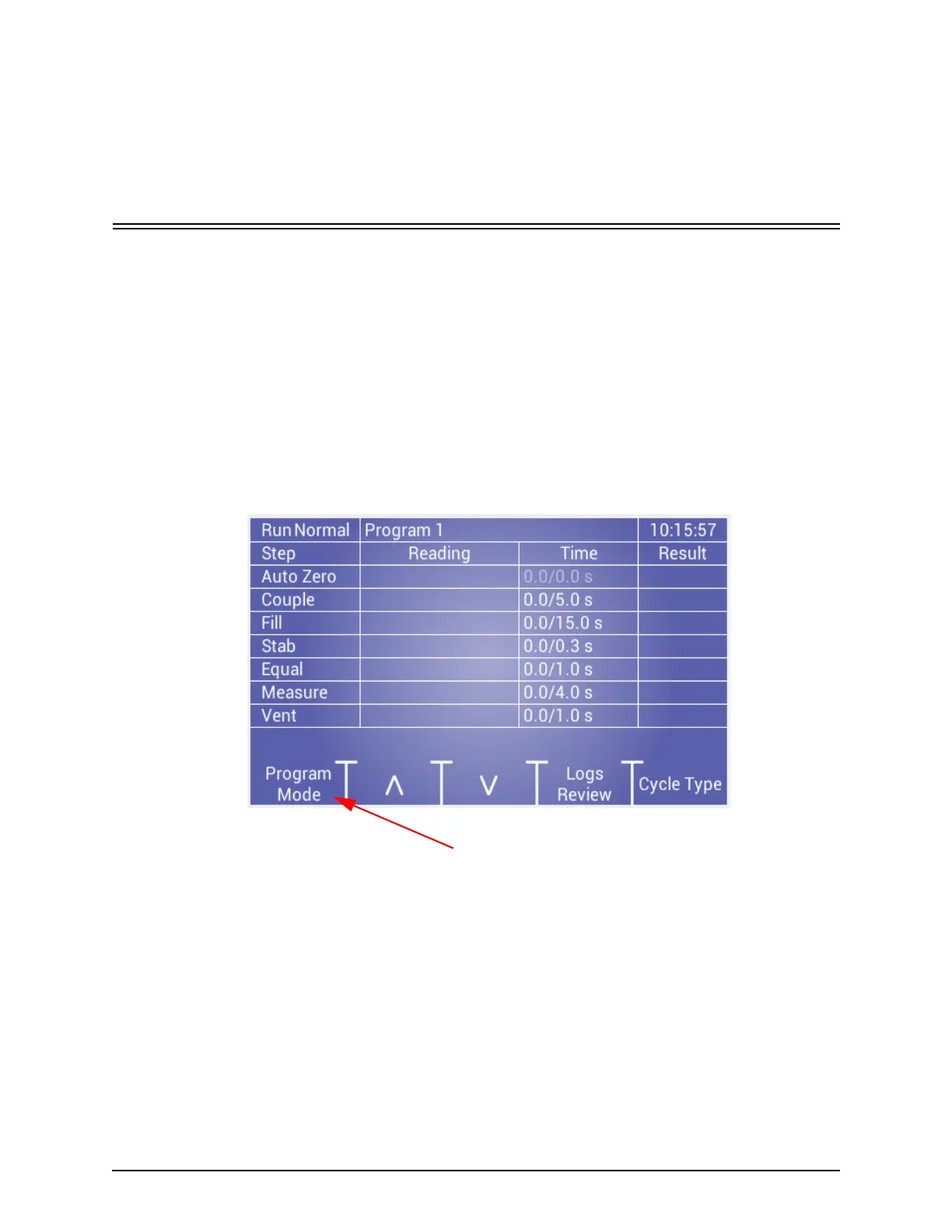
3. When the Run mode screen displays, select the Program Mode function, as
shown below.



 To Next Page