Getting Started 4-13
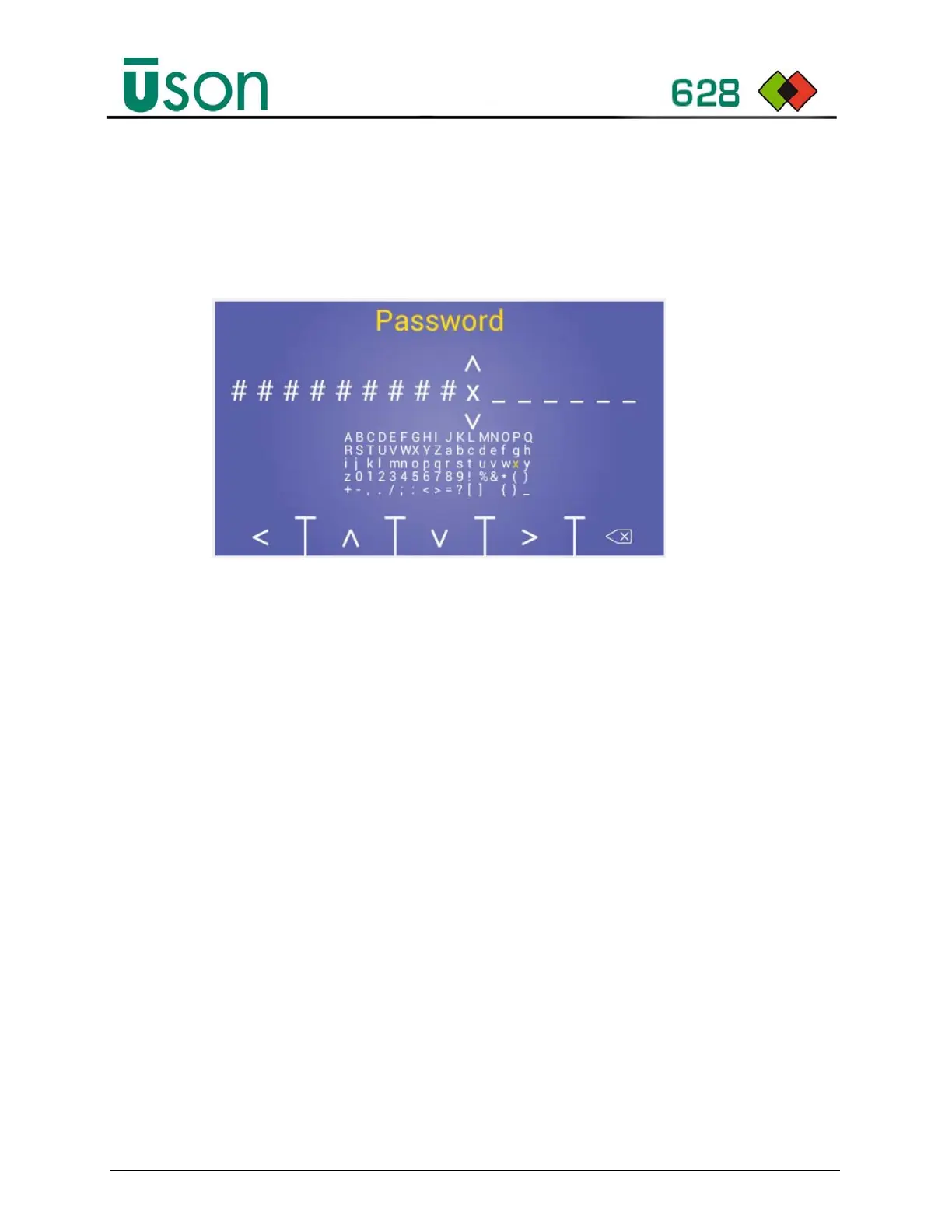
4.5.1 Password entry
Perform the following to access protected parameters:
1. Select the Program Mode Data or Setup Password Menu.
2. Enter the password. (Note: The default password is 16 “_” characters.)
3. Press the Start button to validate the password and the display
background color will change when accepted.
4. Press the Abort button to logout.
4.5.2 Forgot Password
Contact Uson to obtain a temporary password when the password has been
forgotten. The temporary password must be entered within 3 days. Note: Check
the tester has the correct date and time set before entering the temporary password.
Use <> keys to
select next or
previous position
and to enter
character selection.
Use Function keys to navigate the character field.



 To Next Page