4-2 Uson 628 Operator’s Manual
4.2 Turning the Tester On/Off
• After all I/O, power, and pneumatic connections are complete, the tester is
ready to be powered on. See Figure 3–1.
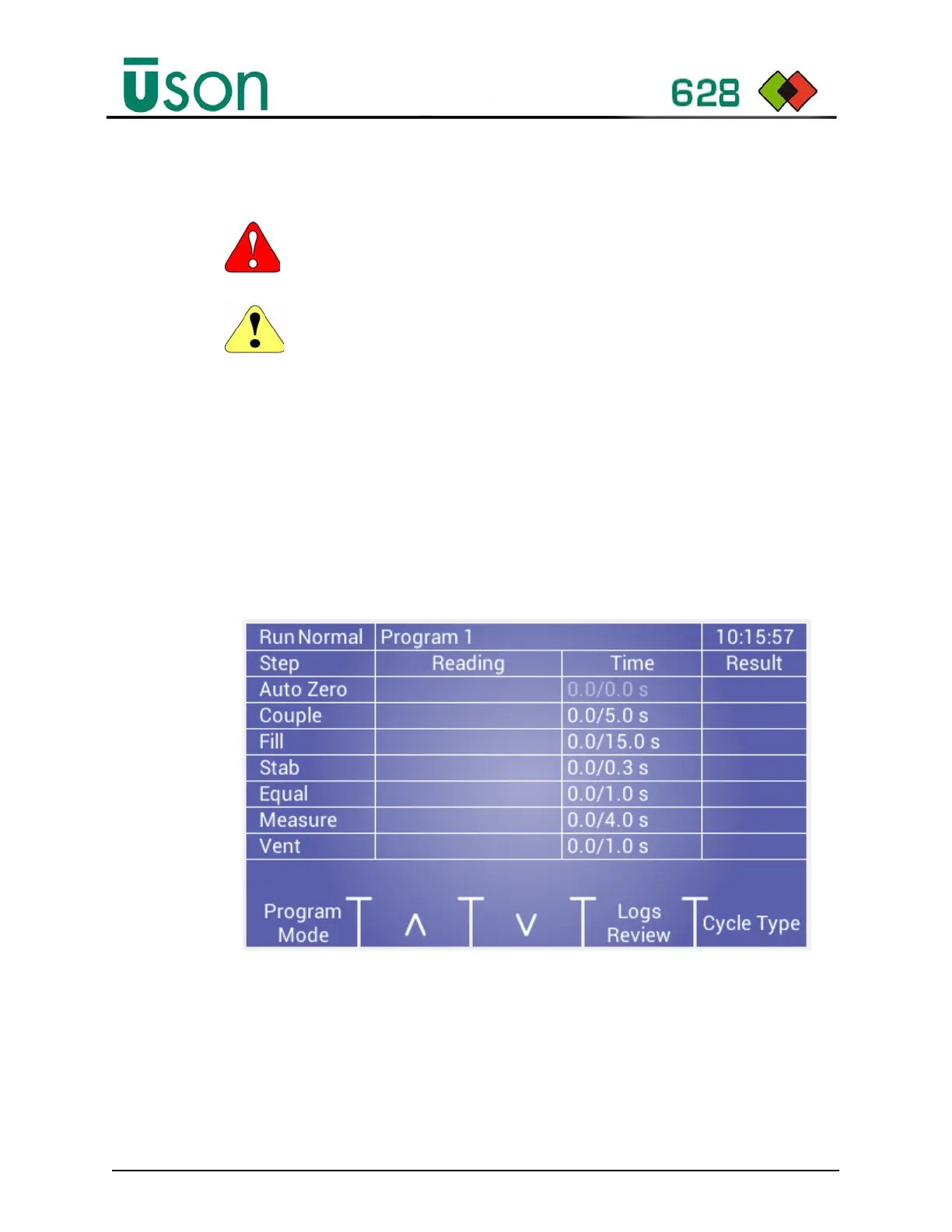
• After power is applied to the tester, the tester performs a boot-up sequence, then
opens up in the Run Mode Home screen. This start-up process completes in
less than one minute.
To Turn Tester On
1. Turn the AC power to the PSU On.
2. Turn the Tester power switch On (located on the rear panel of the tester), the
Run Mode Main Screen displays, as shown:
WARNING: Adhere to all warnings outlined in Section 1, Safety.
CAUTION: Before switching the tester ON, make sure the power supply is
located in a position where it will be open to air flow and stable.



 To Next Page