Program Mode 5-1
5
Chapter 5Program Mode
5.1 Introduction
Program Mode is accessed via the Uson 628 front display and is where you access
the test programs and configuration parameters.
5.2 Entering Program Mode
Perform the following steps to enter program mode:
1. Use the Left/Right arrow keys to select the Program Mode prompt.
2. Press the Menu key.
3. A password prompt displays (if the setup password parameter is enabled).
4. Enter the password and press the Start key to continue. (Note: An invalid
password will return you to the Program Mode prompt.)
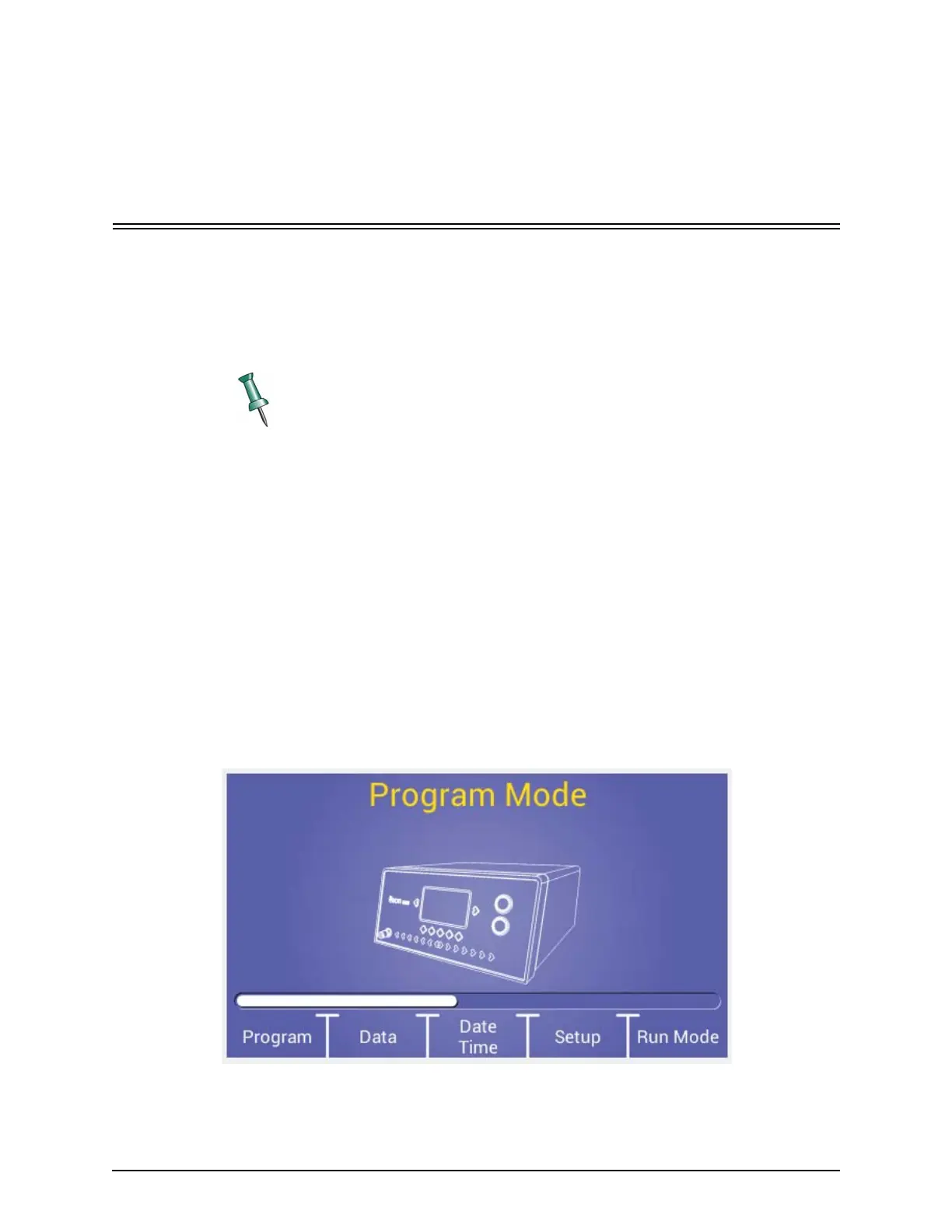
5. The Program mode menu of the Program mode toolbar displays, as shown in
Figure 5–1.
Figure 5–1: Program Mode Main Menu
Once all test setup information has been completed, the system will need to be
put into Run Mode to save programming and to initiate tests.



 To Next Page