4-12 Uson 628 Operator’s Manual
4.5 Setting a Password
Perform the following to enable password protection:
1. Select Program Mode Setup Password Menu.
2. Set Control to On and press the Start Button to enter selection.
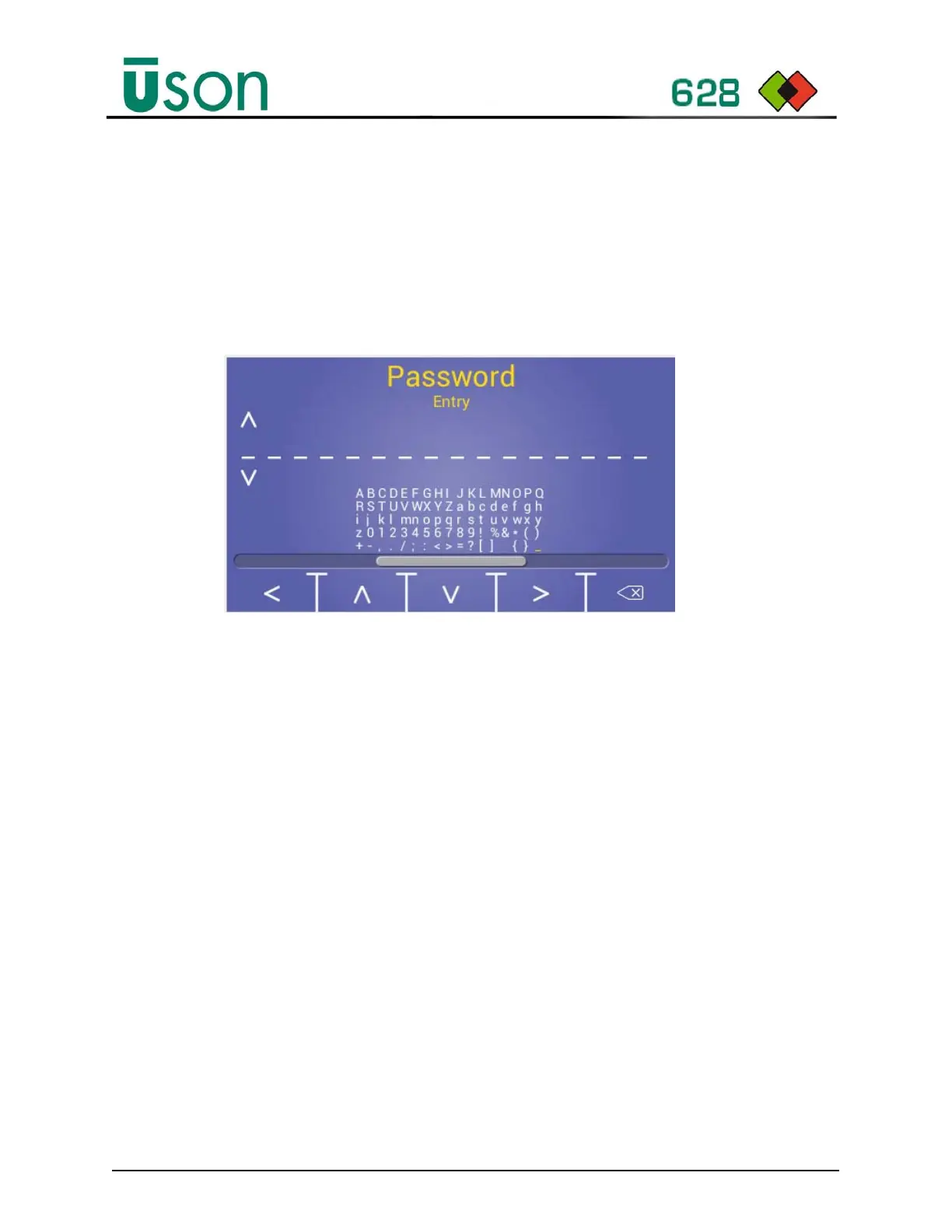
3. Press Scroll right key to select Password entry screen.
4. Press Start button to enable password entry.
5. Using the key buttons enter the password.
6. Press Start Button to disable password entry. (Note: Pressing the Abort button
will log you out and you will need to login to proceed with further changes.)
7. Scroll right to enter required time out.
8. Exit menus and return to Run mode to save settings.
Use <> keys to
select next or
previous position
and to enter
character selection.
Use Function keys to navigate the character field.



 To Next Page