Run Mode 6-1
6
Chapter 6Run Mode
6.1 Overview
This section describes the options available in Run mode.
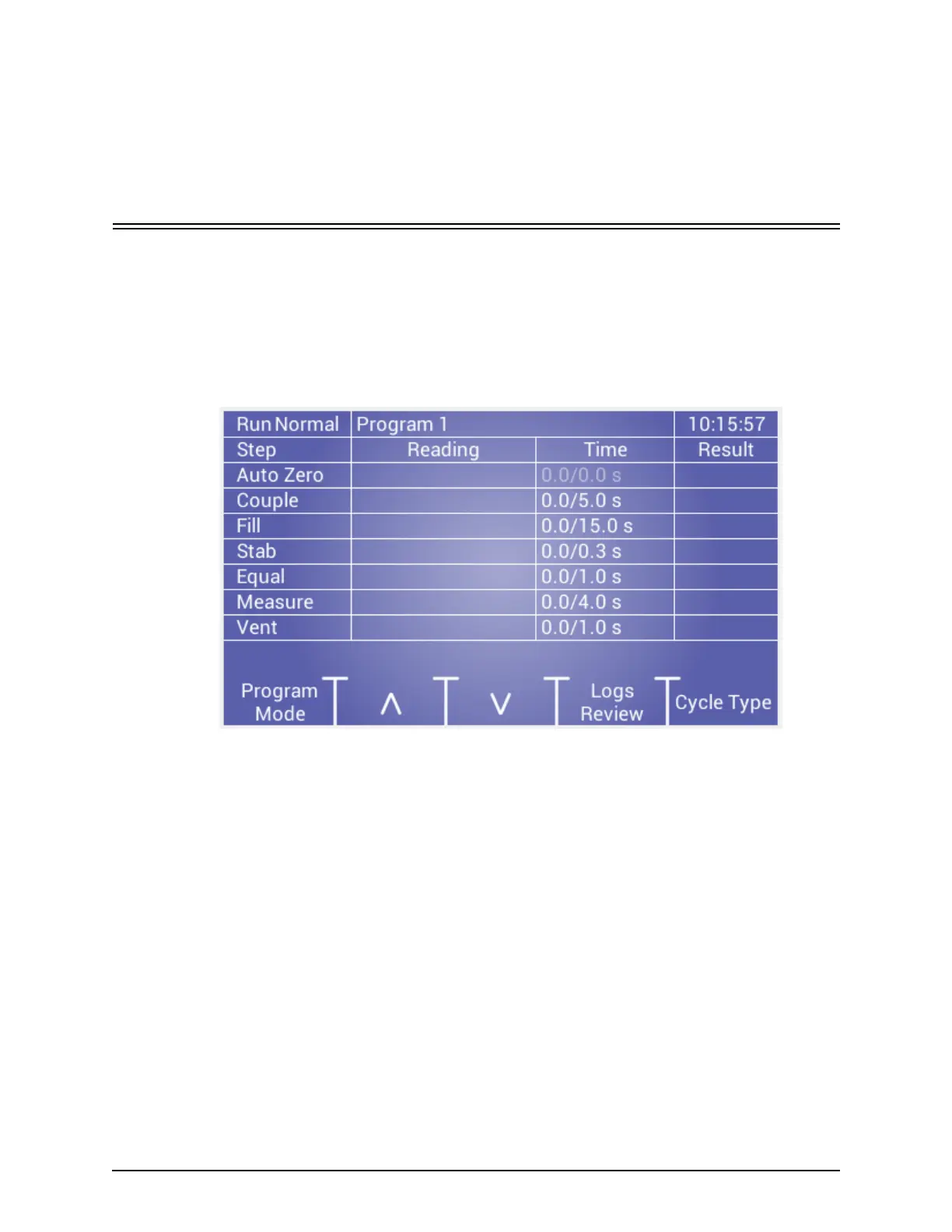
The Tester displays the main Run mode main screen (as shown below) after
completing power on initialization or when exiting program mode.
6.1.1 Operations
The following operations are available when tester is ready:
Program Mode: used to setup tests and general parameters.
Up or Down Function keys: used to select a program if the setup program
selection parameter is set to the Front Panel.
Logs Review: displays previous test results.
Cycle Type: used to select the cycle: Normal, Cal, or Comp.
Start button: used to initiate a test when Setup Start Method parameter is set to
the Front Panel.



 To Next Page