UVITEC – Cambridge
102/225
Click on Print to validate the preview. A pop-up window displays the following menu:
Select a printer
Click on Properties to modify the default setting of the printer, if necessary
Select the number of copies
Click on OK to validate your options
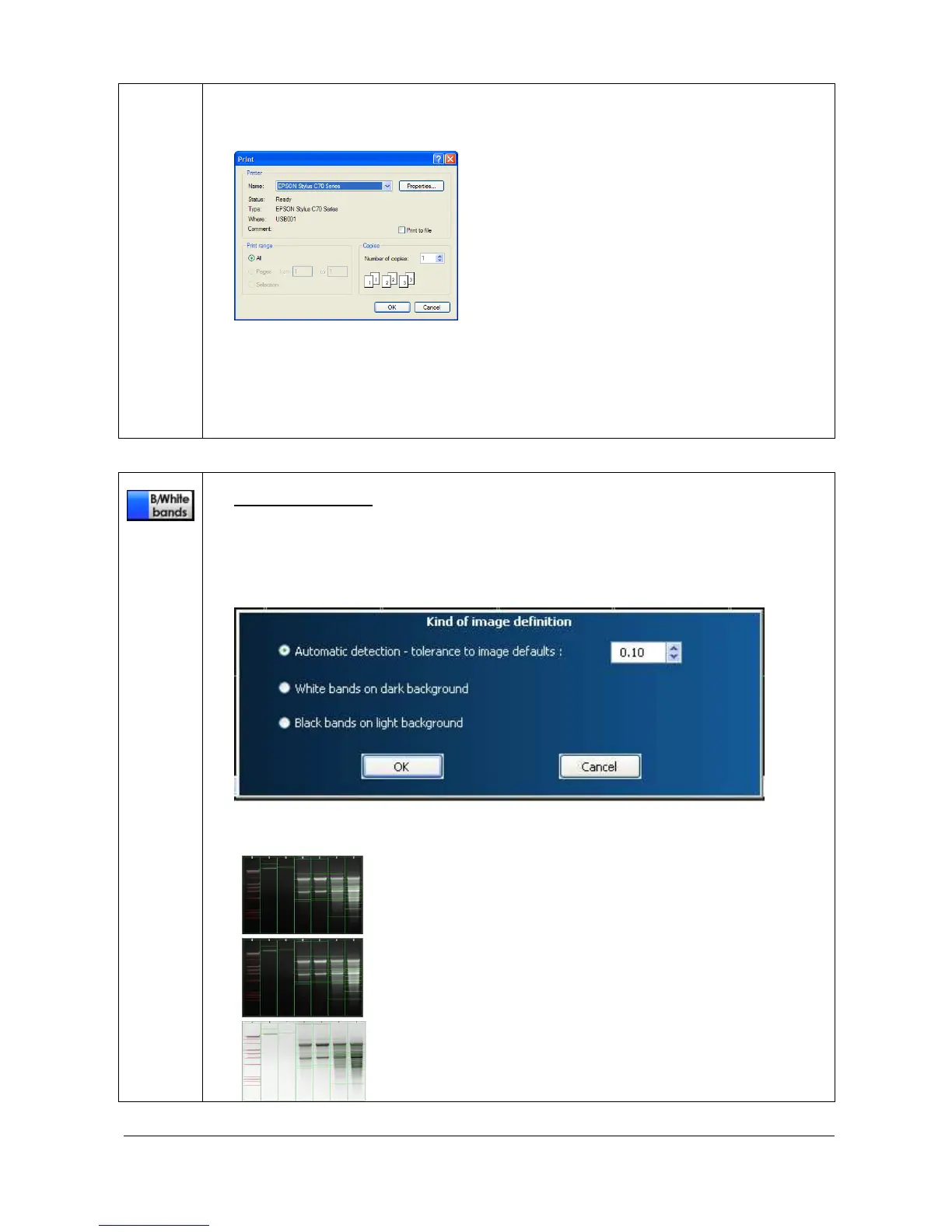
Black / White bands
This function set the bands parameters (white bands / black background / black bands,
white background).
To proceed, click on the Black/White bands icon. A pop-up window displays the following
menu:
You can select the following options:
Automatic detection. 1D will automatically detect the
bands color scheme according to the defined percentage
of tolerance



 To Next Page