EasyManua.ls Logo

UVITEC Cambridge FIREREADER MAX - Toolbar in Details

UVITEC Cambridge FIREREADER MAX
225 pages
Print Icon
To Next Page IconTo Next Page
To Previous Page IconTo Previous Page
Loading...
UVITEC – Cambridge
122/225
Toolbar in details
Print
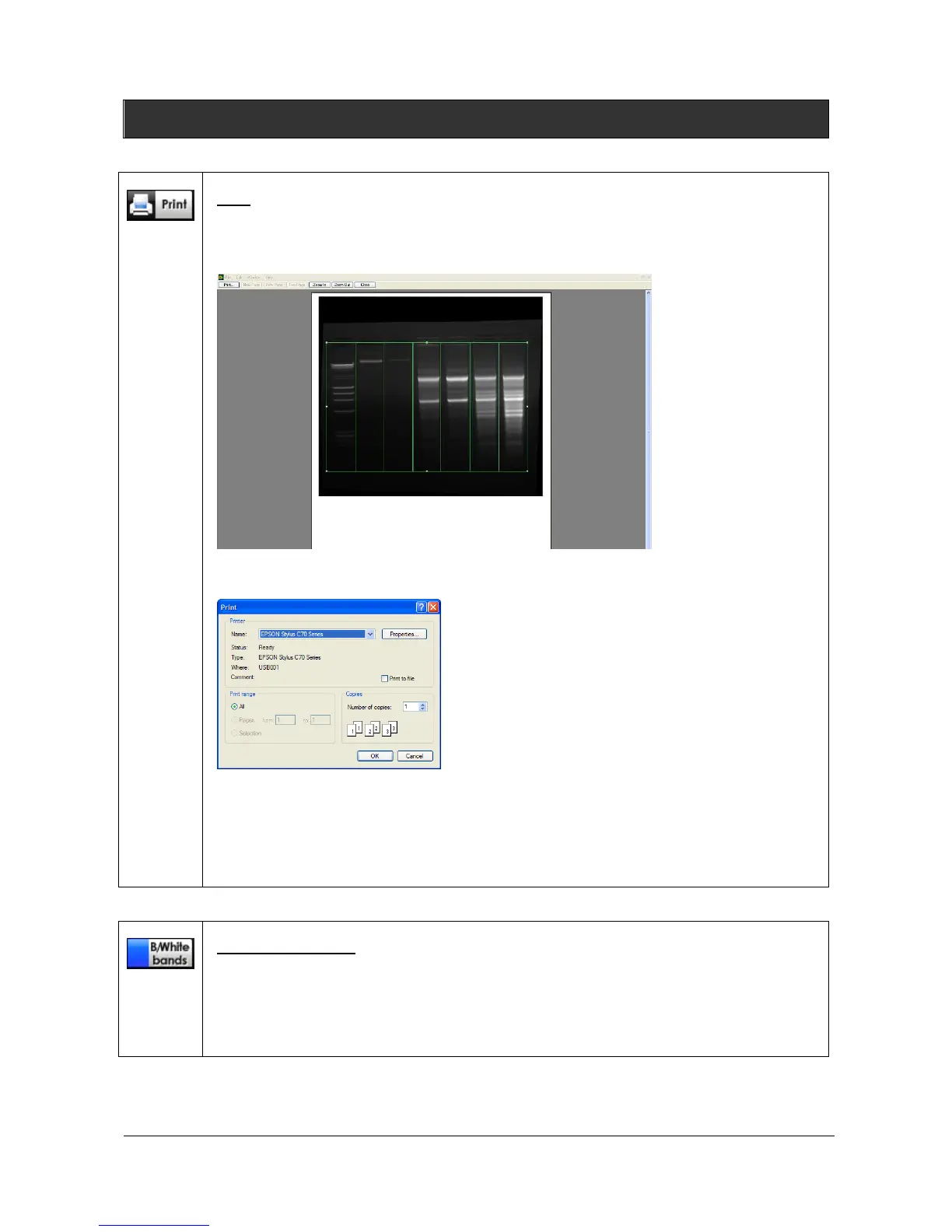
Click on the “Print” icon to print the image, the table or the graphs. A pop-up window
displays the Print preview: The Print preview displays a preview of the image, as it will be
printed.
Click on Print to validate the preview. A pop-up window displays the following menu:
Select a printer
Click on Properties to modify the default setting of the printer, if necessary
Select the number of copies
Click on OK to validate your options
Black / White bands
This function set the bands parameters (white bands / black background / black bands, white
background).
To proceed, click on the Black/White bands icon. A pop-up window displays the following
menu:

Table of Contents