UVITEC – Cambridge
46/225
Auto-exposure
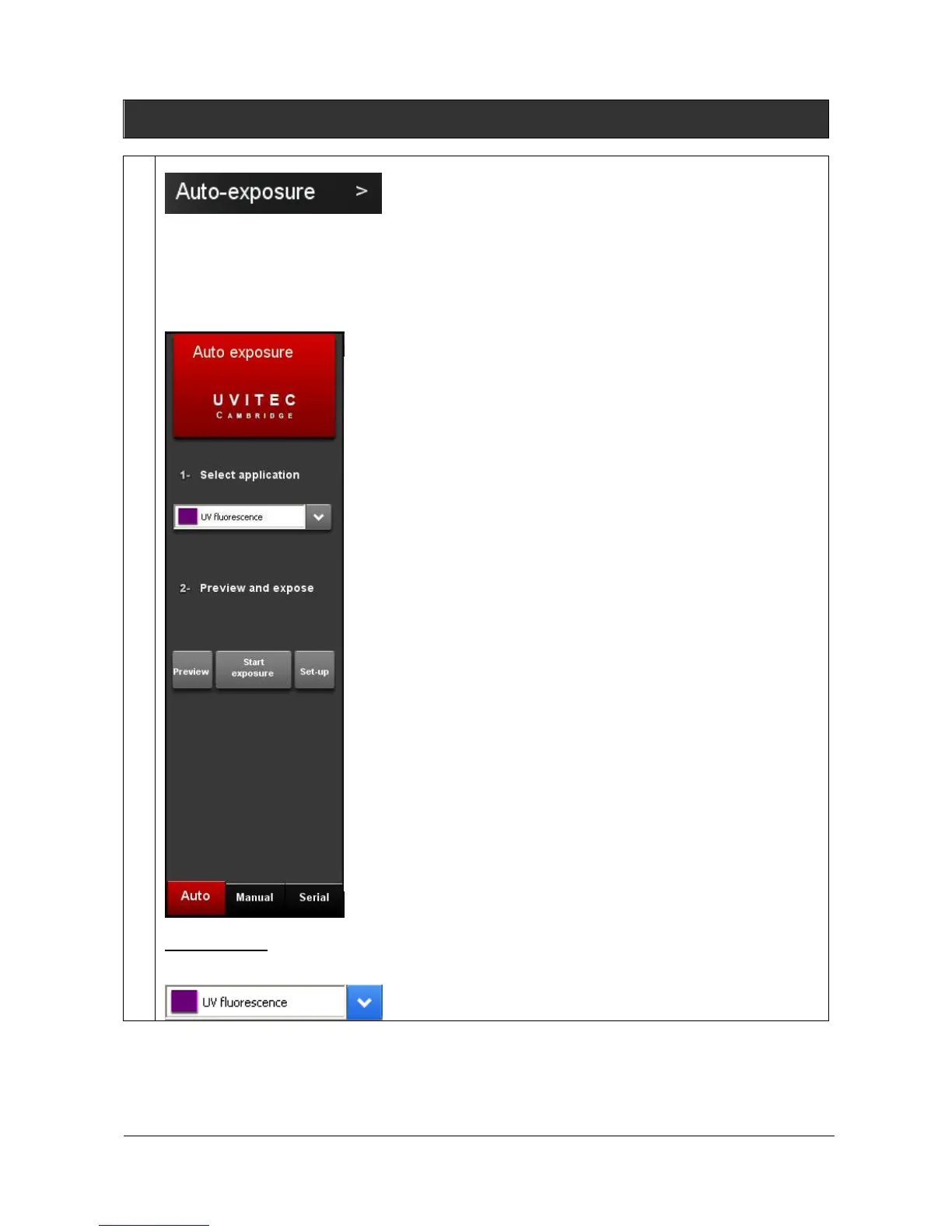
The FireReader system can calculate automatically an ideal exposure time (Auto-exposure) taking
into account the Application protocol pre-defined parameters. When you select the Auto-Exposure
option, the system samples the light levels and uses the values to calculate the final exposure time.
Click on the “Auto-exposure” button. A window displays the following menu:
Start exposure
To proceed:
1- Select your application protocol from the application menu



 To Next Page