UVITEC – Cambridge
188/225
Note: If an image is being acquired and the «Saturation» option is checked, the modification is applied to
the current acquired image
Note: A saturated image creates quantification error when studied by an image analysis software. Gel-
doc systems have to indicate to the user if the image is saturated and if it is then necessary to modify the
integration time.
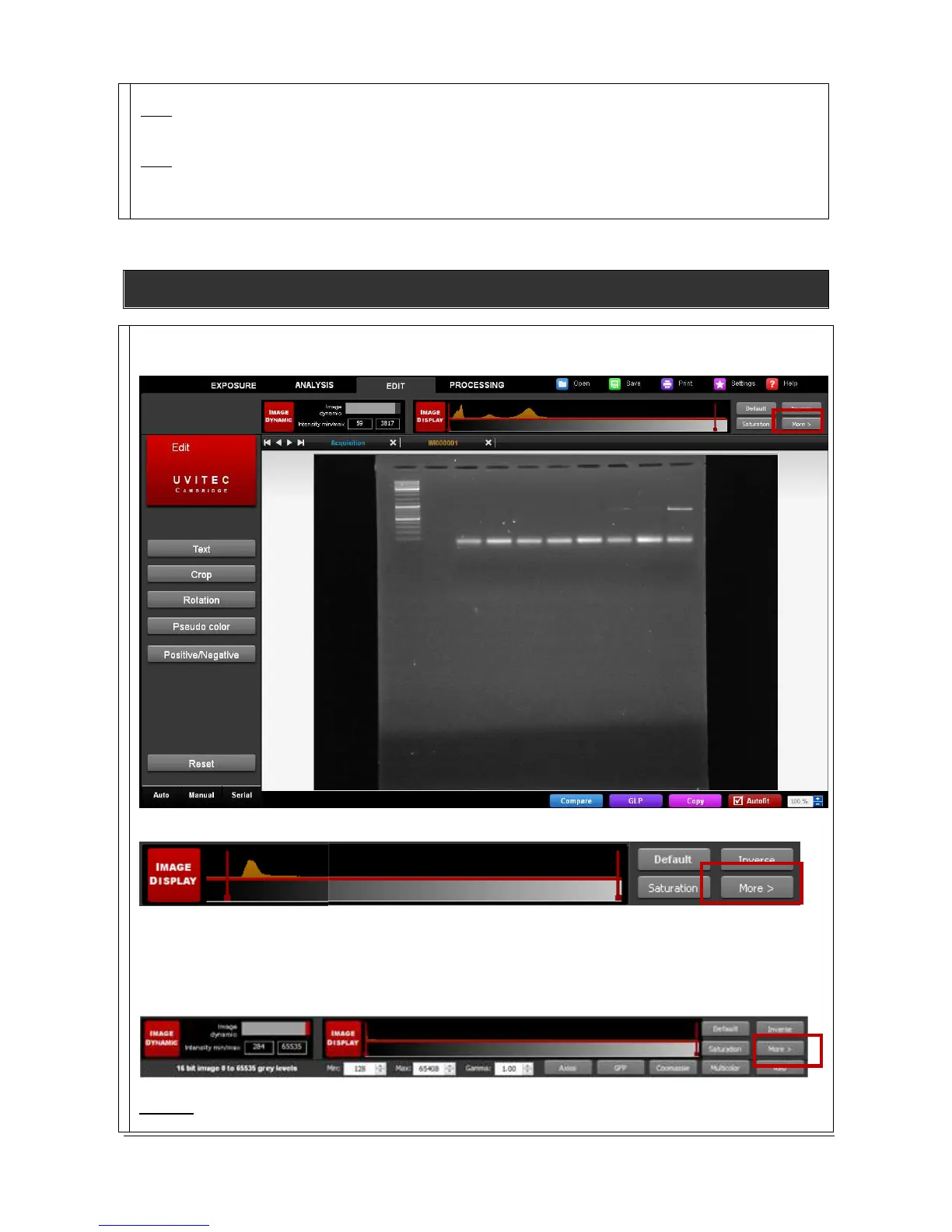
Image display – More
> (Gamma / Pseudo colors)
The Image Display menu
To proceed, click on More from the Image Display menu:
This will open the following menu:
Gamma
Gamma adjustment corrects an image by creating a new version of the original. To create the new image,



 To Next Page