Contains the exposure pre-defined set-up
Contains the live preview pre-defined parameters
Contains the image display pre-defined set-up
Contains the image printing pre-defined set-up
Contains the image file pre-defined set-up
Apply post process function to an acquired image
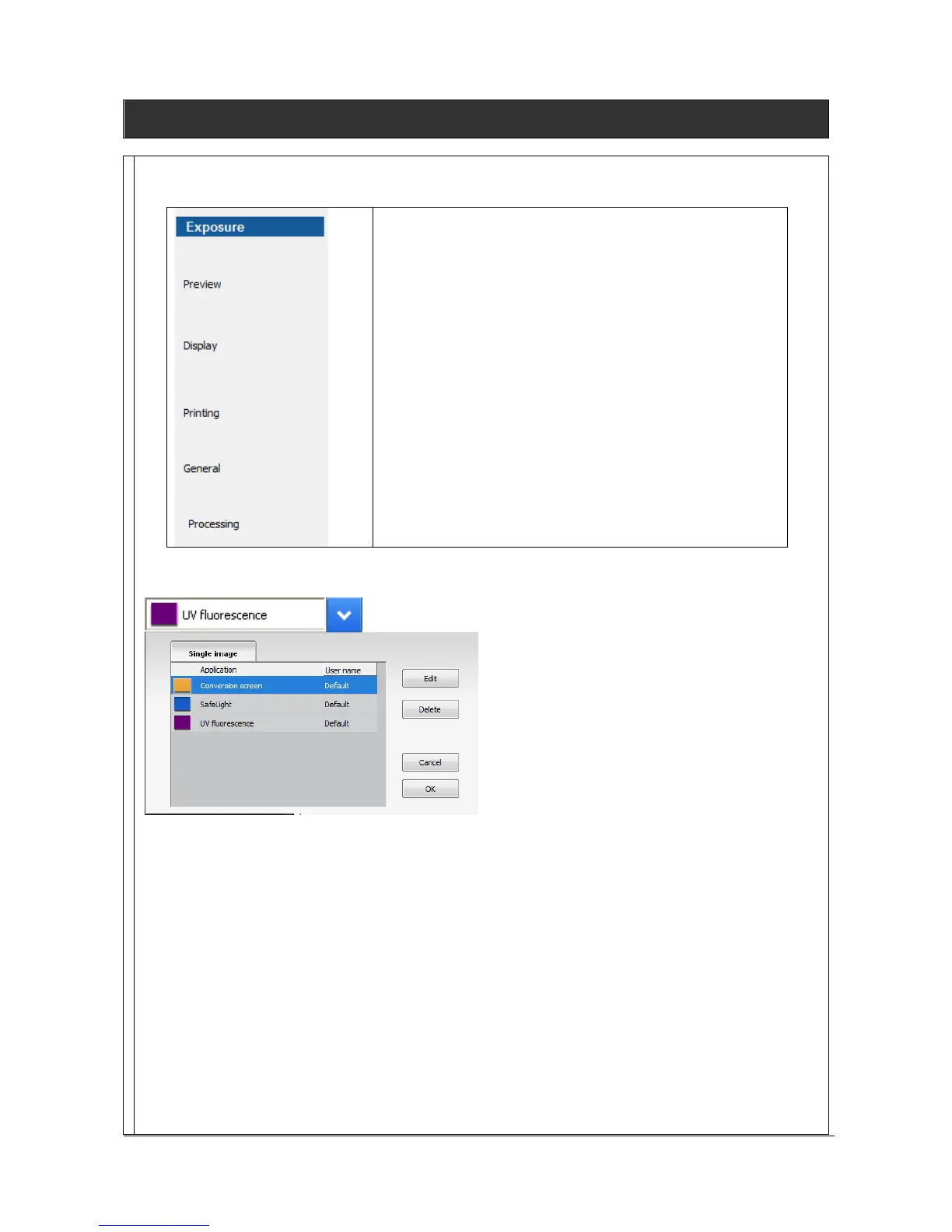
To Edit an Application protocol, click on Edit:
A pop-up window opens the following windows:



 To Next Page