UVITEC – Cambridge
172/225
Apply flat field
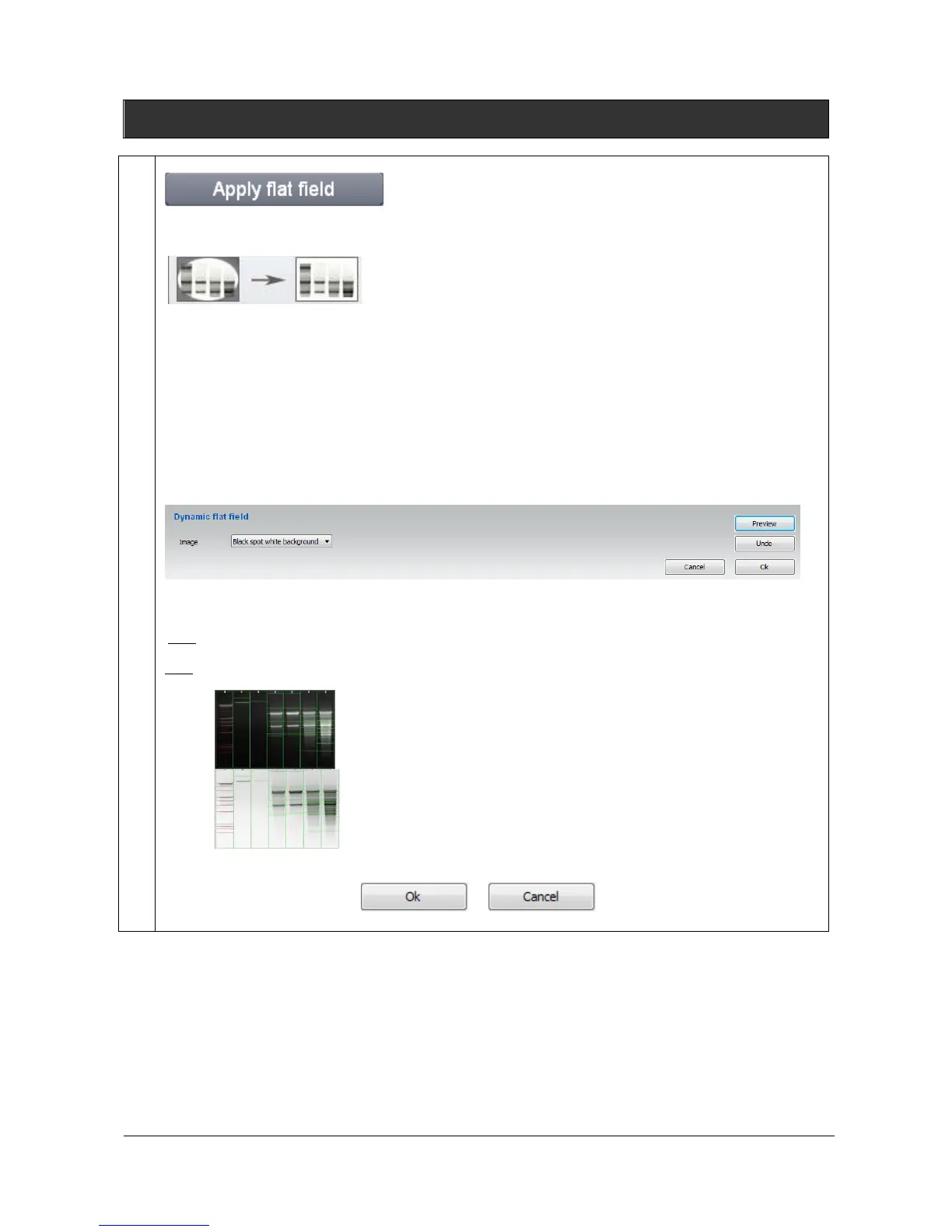
The Apply flat field feature correct for uneven illumination intensity for both the background and the
signal.
Even under the best of imaging conditions, the illumination across a field of view isn’t perfectly
uniform. This is due to the light source imperfections (i.e. slight misalignments and additional
physical properties) and to the optical elements constraints (bulb, filters, mirrors, objectives) within a
light path.
Flat Field Correction is a commonly used approach for this problem. This process will compensate
for different illumination intensity. In the flat fielded image, a uniform signal will create a fairly
uniform output (hence flat-field).
The Apply flat field applies to the active image. Click on the “Apply flat field” button. A window
displays the following menu:
Click on preview to get the flat fielded image.
Note: few seconds could be necessary to perform the flat fielding.
Note: For a more accurate background subtraction, you can set the bands parameters: white bands / black
background / black bands, white background. You can select the following options:
Black bands on light background for images with black signals and
clear background
To close the function, click on or button



 To Next Page