Toolbar in details
Print
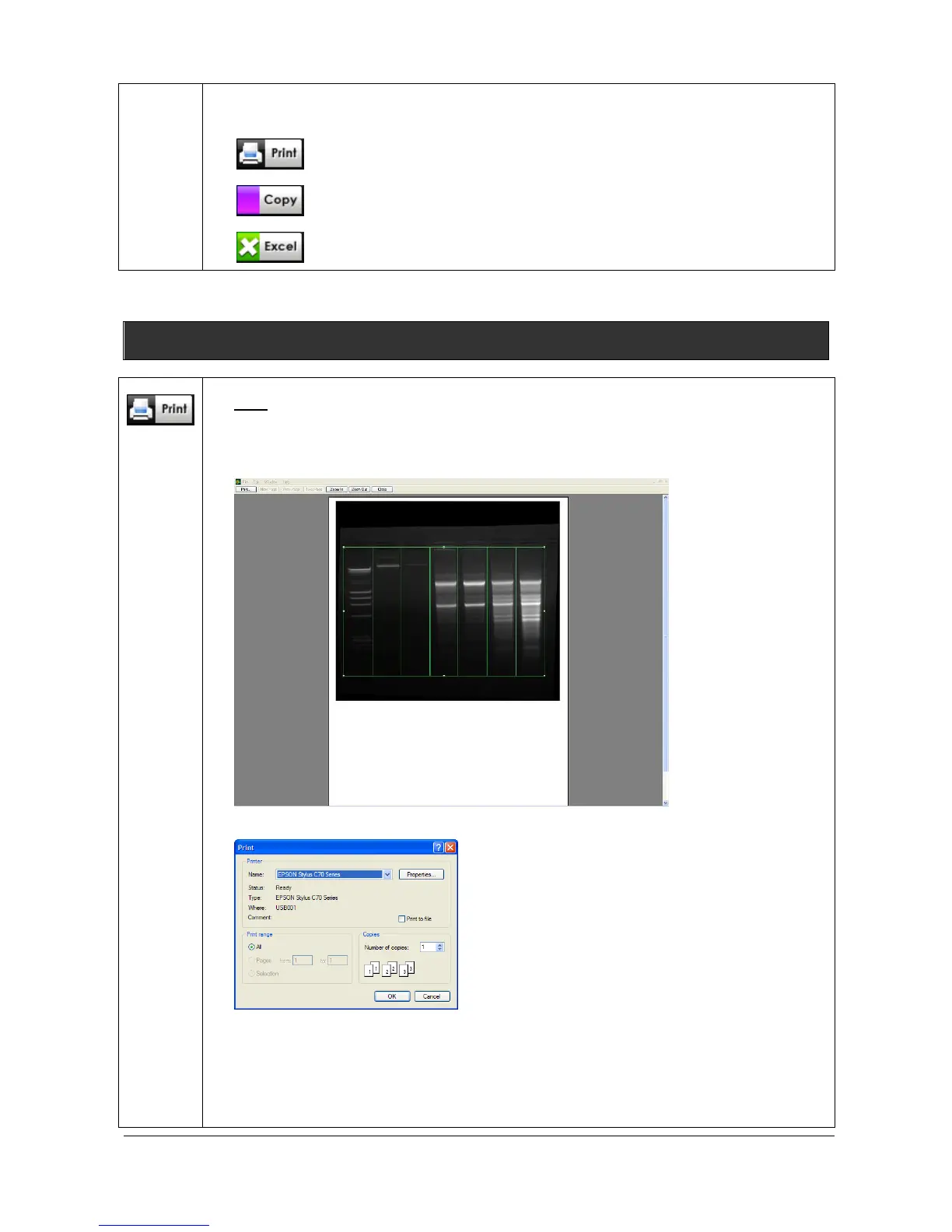
Click on the “Print” icon to print the image, the table or the graphs. A pop-up window
displays the Print preview: The Print preview displays a preview of the image, as it will
be printed.
Click on Print to validate the preview. A pop-up window displays the following menu:
Select a printer
Click on Properties to modify the default setting of the printer, if necessary
Select the number of copies
Click on OK to validate your options



 To Next Page