FIREREADER
FIREREADERFIREREADER
FIREREADER
SERIES
SERIESSERIES
SERIES
Q
U I C K S T A R T
Taking your first picture
This Quick start is intended as a quick reference guide for acquisition. For more detailed information
on the individual features reference the appropriate part of this manual.
Power on the computer. After the computer has booted up completely, switch on the FireReader
system. Wait for 10 seconds and double click on the FireReader icon: . The software opens on the
image acquisition window.
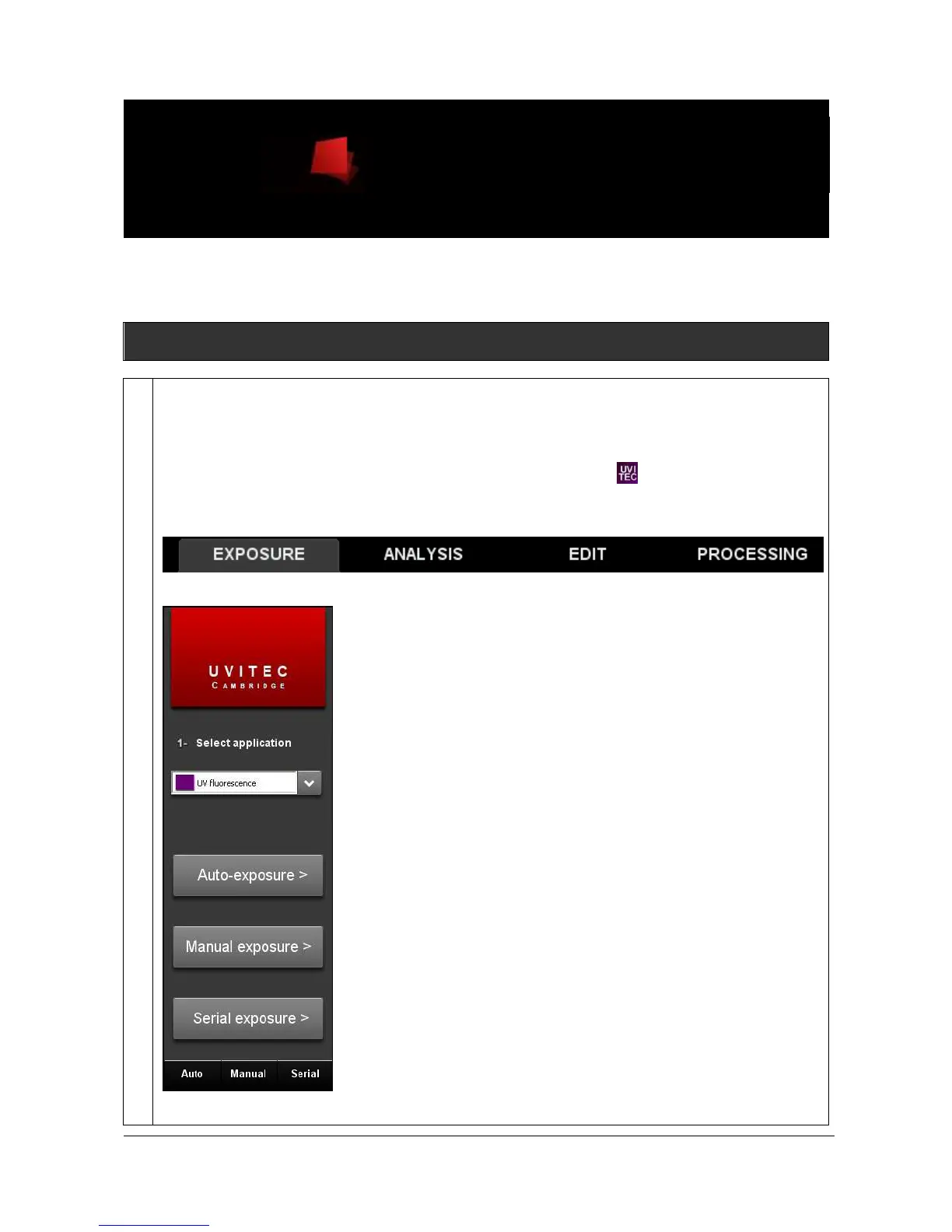
Select the Exposure module from the menu bar to access the Exposure menu:
This will open the Exposure function folder:
Select Auto-exposure, Manual exposure or Serial exposure. A new menu window will appear:



 To Next Page