UVITEC – Cambridge
151/225
Rotation
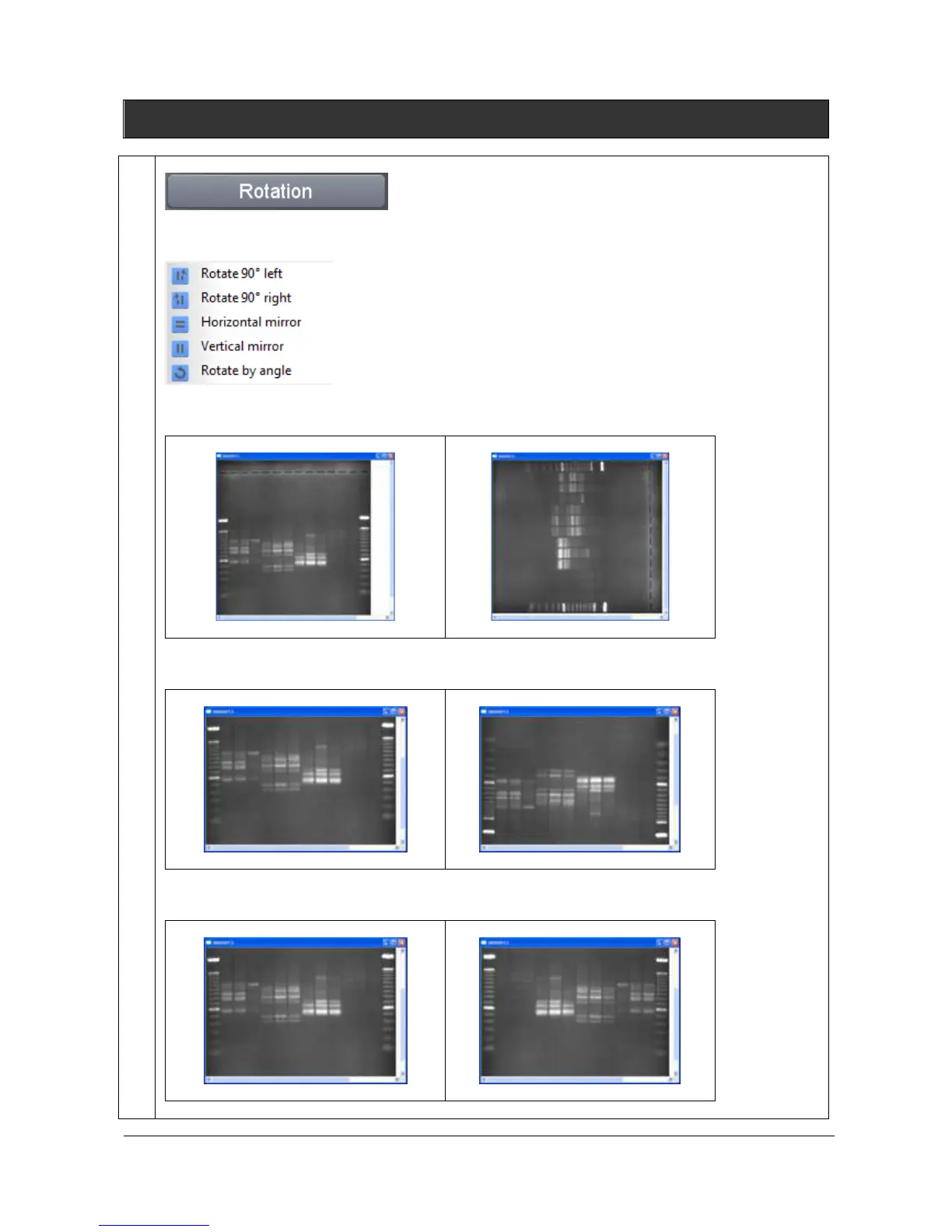
You can rotate your image clockwise in 90° increments or mirror it vertically or horizontally. Click on
the “Rotation” button. A window displays the following menu:
Click on the “Rotate” icon to rotate right the image. The image is rotated clockwise in 90° increments
Before
After
Click on the “Horizontal mirror” icon to flip the image from top to bottom.
Before
After
Click on the “Vertical mirror” icon to flip the image from right to left.
Before
After
.



 To Next Page