UVITEC – Cambridge
166/225
Adjust the display by moving the slider, or by typing a number in the value box.
To close the function, click on
Bioluminescence
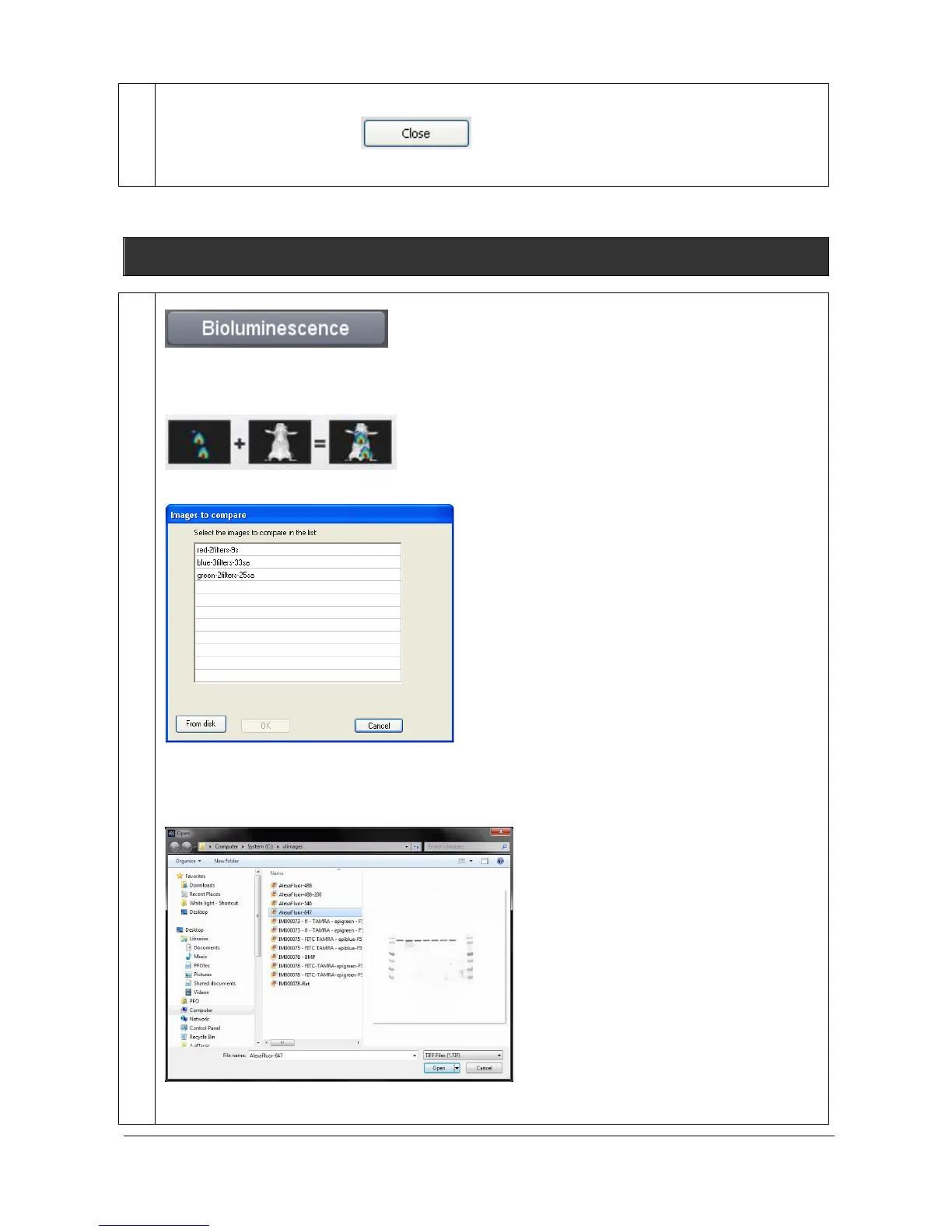
The bioluminescence feature allows to combine a colored overlaid image and a monochrome image
into a new colored composite image.
Click on the “Bioluminescence” button. A window displays the following menu:
A list displays the image already opened.
You can also add an image to the list by opening an image from your computer. To proceed, click on
the “From disk” button. A pop-up window displays the following menu:
Browse to specify the image directory



 To Next Page