UVITEC – Cambridge
27/225
Connecting the darkroom – Auto motorized zoom series only
Auto Motorised zoom series only
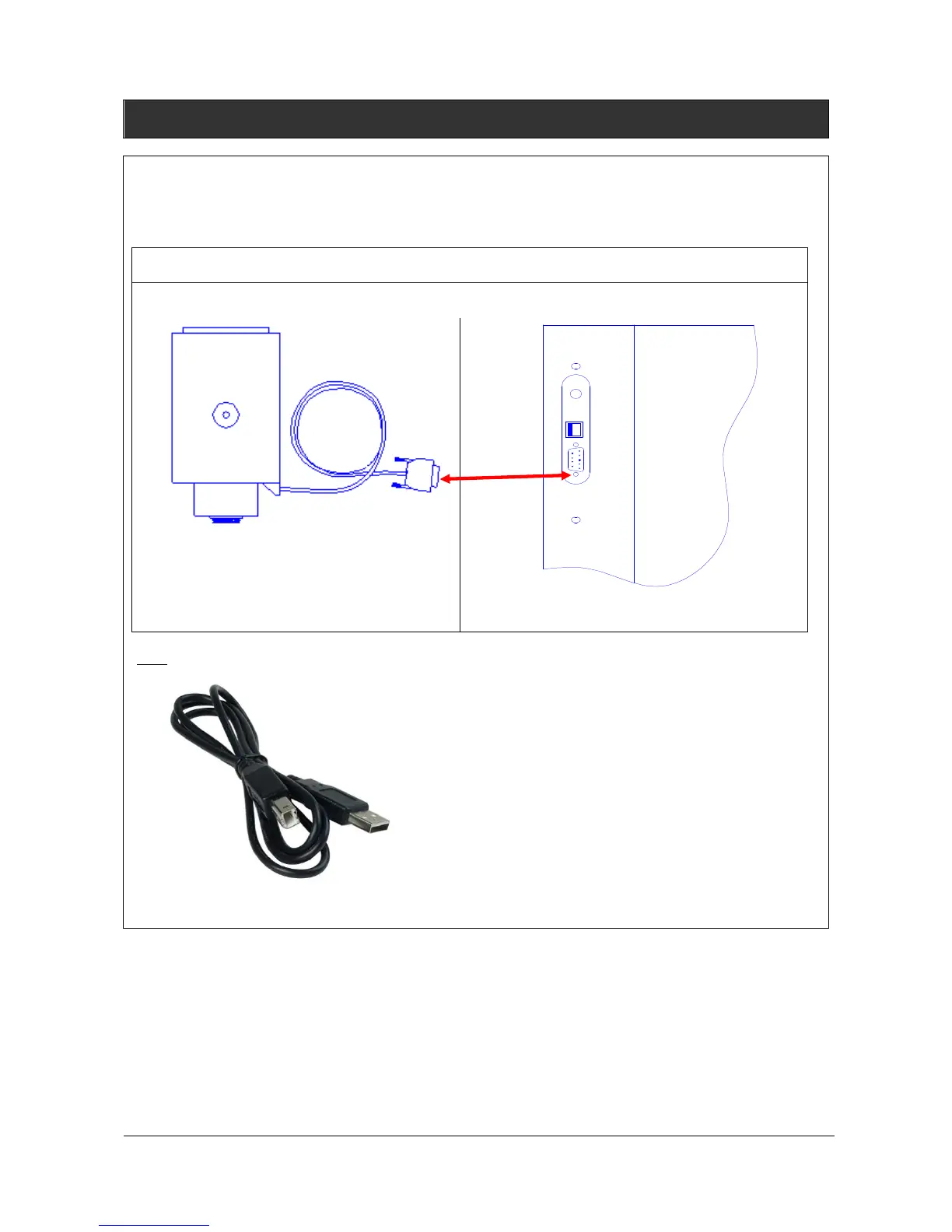
2- Connect the USB cable from the darkroom to the computer USB port.
Note: Always connect to a computer rear side USB port.
Computer rear side – USB cable connection
F
IG
1:
Z
OOM CONNECTION
(X-P
RESS SERIES ONLY WITH MOTORISED ZOOM LENS
)
1
–
Z
OOM TO THE DARKROOM
Cable from the zoom lens
Darkroom rear side



 To Next Page