UVITEC – Cambridge
183/225
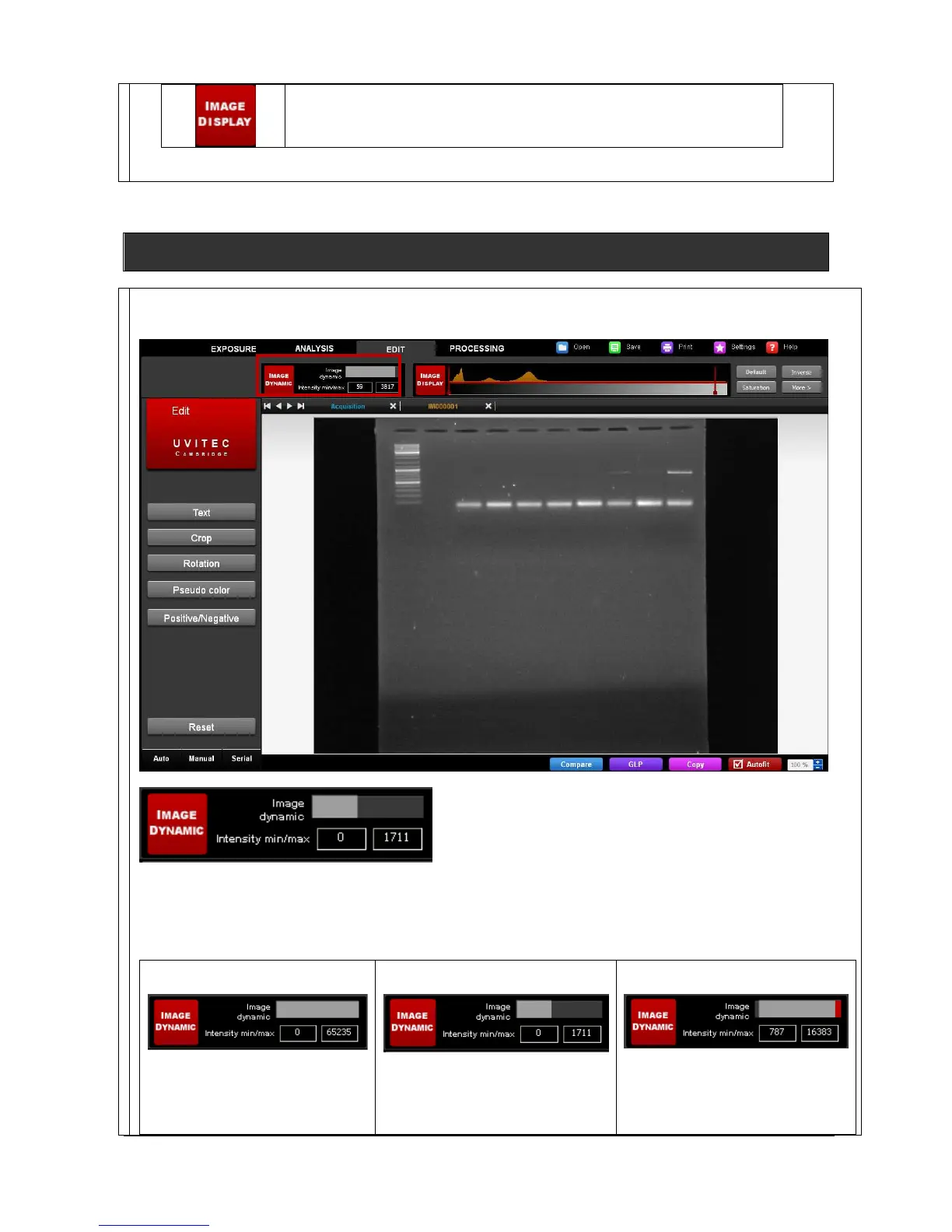
Access the Image Master from the main 1D windows:
The Image Master
The Image Master data informs you of the obtained dynamic on your image compared to the potential image
depth. The largest the dynamic you have without reaching saturation, the better is your image as you obtained
more quantitative data.
Case 1:
The Image Master indicates a full
dynamic. This image has a
maximum of quantitative data
compared to the capability of the
Case 2:
The Image Master indicates an
half dynamic. This image has only
a portion of the quantitative data
Case 3:
The Image Master indicates that
this images contained saturated
portion which could not be
suitable for quantification.



 To Next Page