UVITEC – Cambridge
131/225
H
ELP MENU
Click on the “Help” button. You automatically access the user manual at the chapter
corresponding to the function
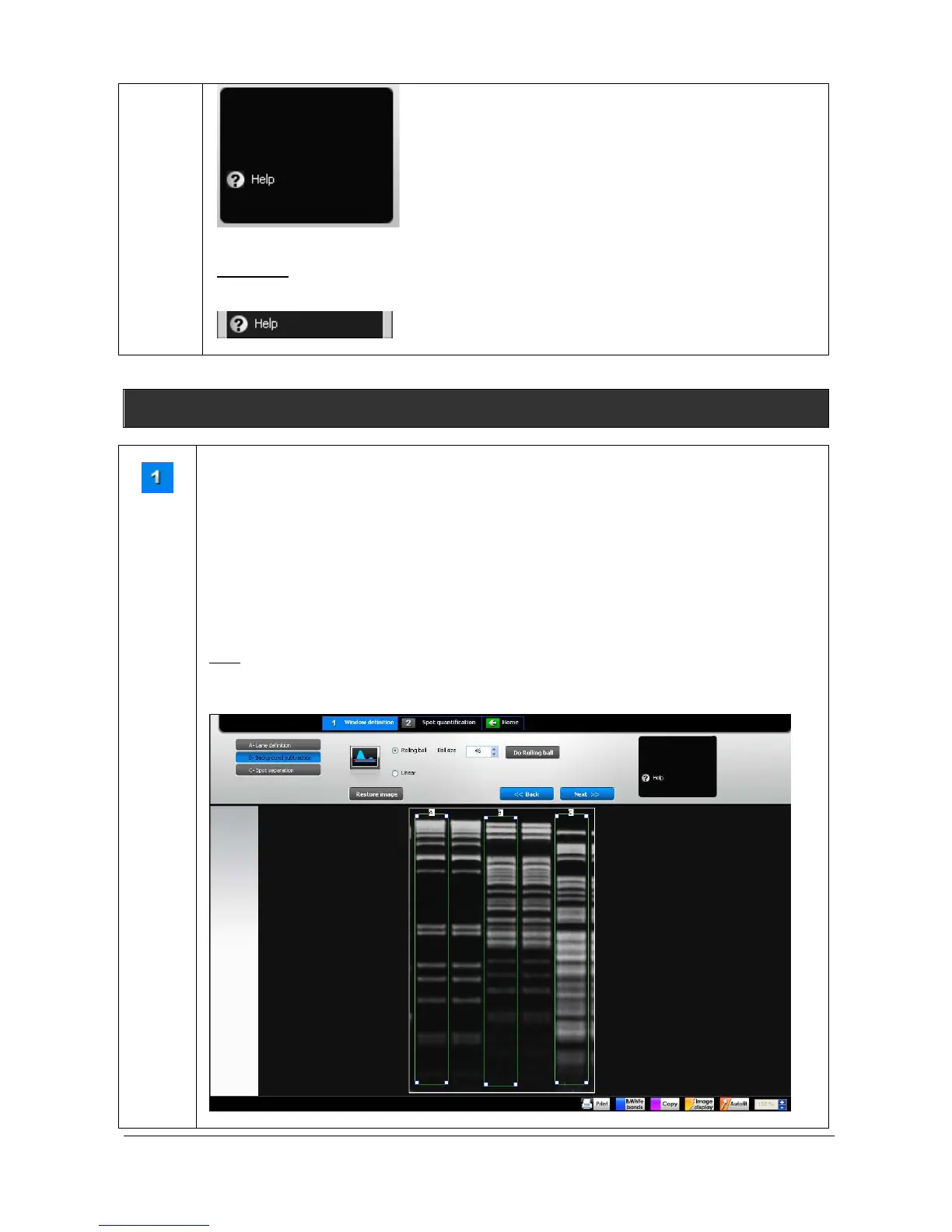
B – Background subtraction
Windows
definition
The background subtraction process follows the lane definition.
Image background interferes with quantification and data analysis such. Background could
results from gel opacity, random signal noise, opacity of the carrier medium (film, gel matrix,
or blot matrix) or film fogging.
As image background interferes with quantification and data analysis, we recommend
performing a background subtraction before any peak volume quantification. FireReader 1D
has several approaches for subtracting background intensity from gel images. You can either
subtract background for the whole image or for individual lanes.
Note: As background subtraction permanently changes the image, this is not possible to save
the image with a processed background subtraction. However, the process can be saved by
saving the complete analysis through the Save analysis process.



 To Next Page