UVITEC – Cambridge
130/225
The number of lanes is automatically modified in the lane list.
You can move the lane frame to a new position. In order to do so, position the mouse on
the. Click and drag the cursor to move the frame.
D
ELETE A LANE
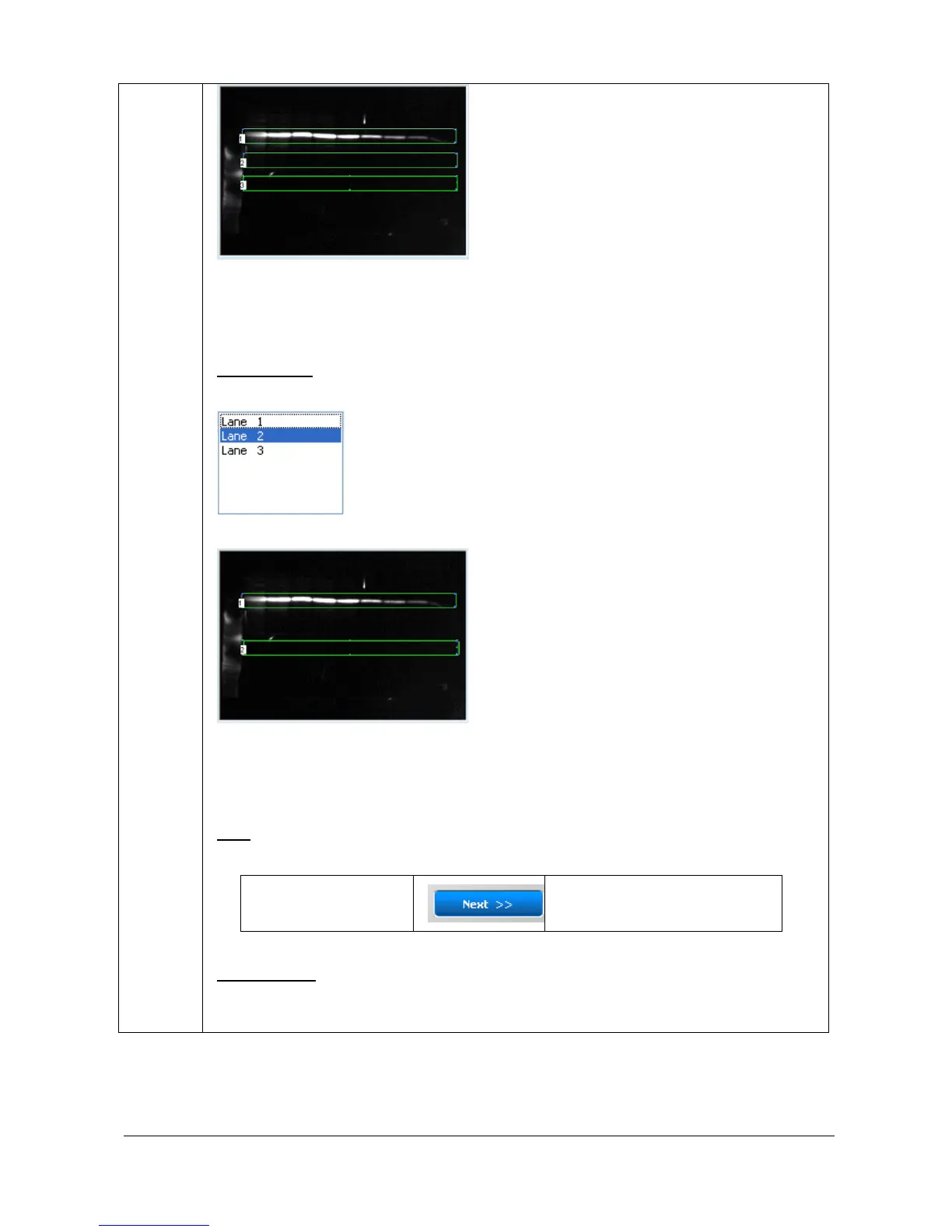
To delete a lane, select the lane in the lane list:
Click on the Delete button. The lane is then deleted.
The number of lanes is automatically modified in the lane list.
You can move the lane frame to a new position. In order to do so, position the mouse on
the. Click and drag the cursor to move the frame.
N
EXT
The “Next” button validates your parameter and opens the following analysis step.
1 A – Lane definition 1 B – Background subtraction
O
PTION FOLDER
The option folder gathers the following functions:
Help



 To Next Page