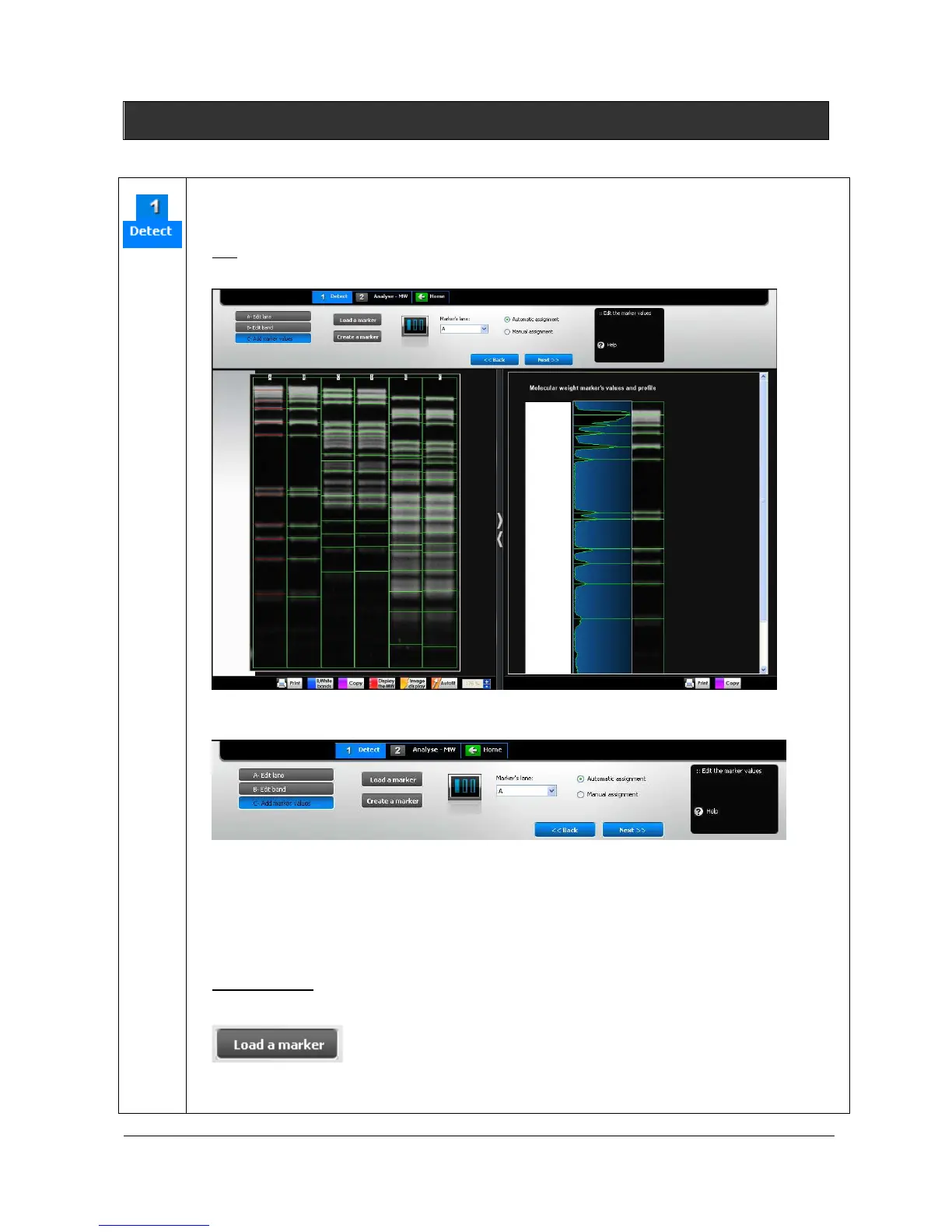
The marker values process follows the band detection. This function allows the assignment of
the molecular weight marker’s values to the bands of the marker lane.
Note: you can either access marker value menu by clicking on the next button of the band detection or directly on
marker value tab.
The dashboard details the marker values parameters:
Load a marker
Create a marker
Select the marker’s lane
Assign automatically a marker
Assign manually a marker
L
OAD A MARKER
1. Click on the “Load a marker” button to open a marker value file.
A pop-up window displays the following menu:



 To Next Page