FIREREADER
FIREREADERFIREREADER
FIREREADER
SERIES
SERIESSERIES
SERIES
I
C O N M E N U
Access to the icon module
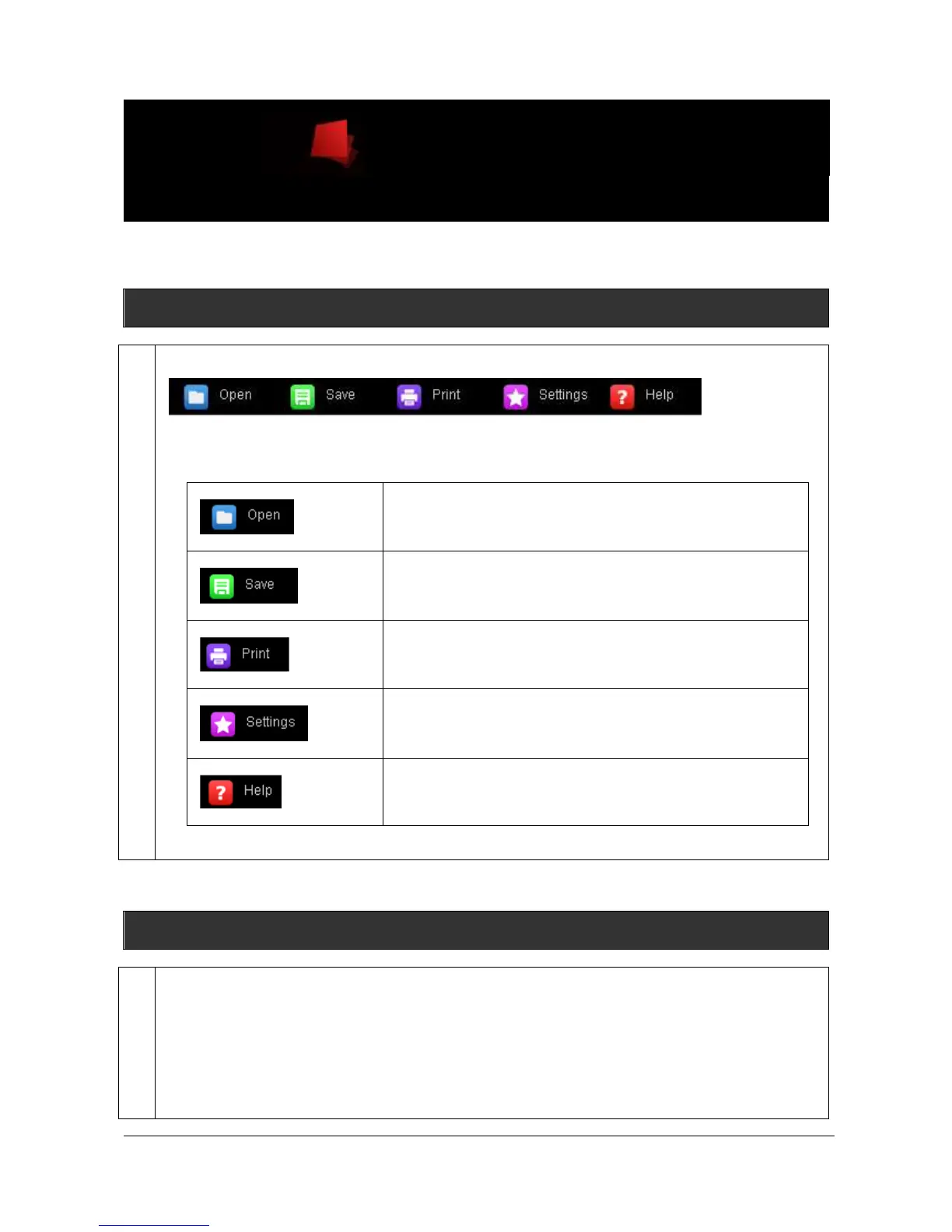
Access the Icon menu from the menu bar:
Icon menu
The Icon menu folders contain the following features:
Opens an image file of a specified format (i.e; TIFF, BMP, GIF,
JPEG …).
Saves a previously unsaved image to a new file, or updates
the changes to an existing image file, or save an image to a
new file or file location
Prints a previously opened image as it appears in the image
window.
Adjust the system settings such as the filter controls or the
lens calibration.
Access to the software help file.
Open
This function opens an image file of a specified format (i.e; TIFF, BMP, GIF, JPEG …).
Click on the “Open an image” icon to open an image. A pop-up window displays the following menu:



 To Next Page