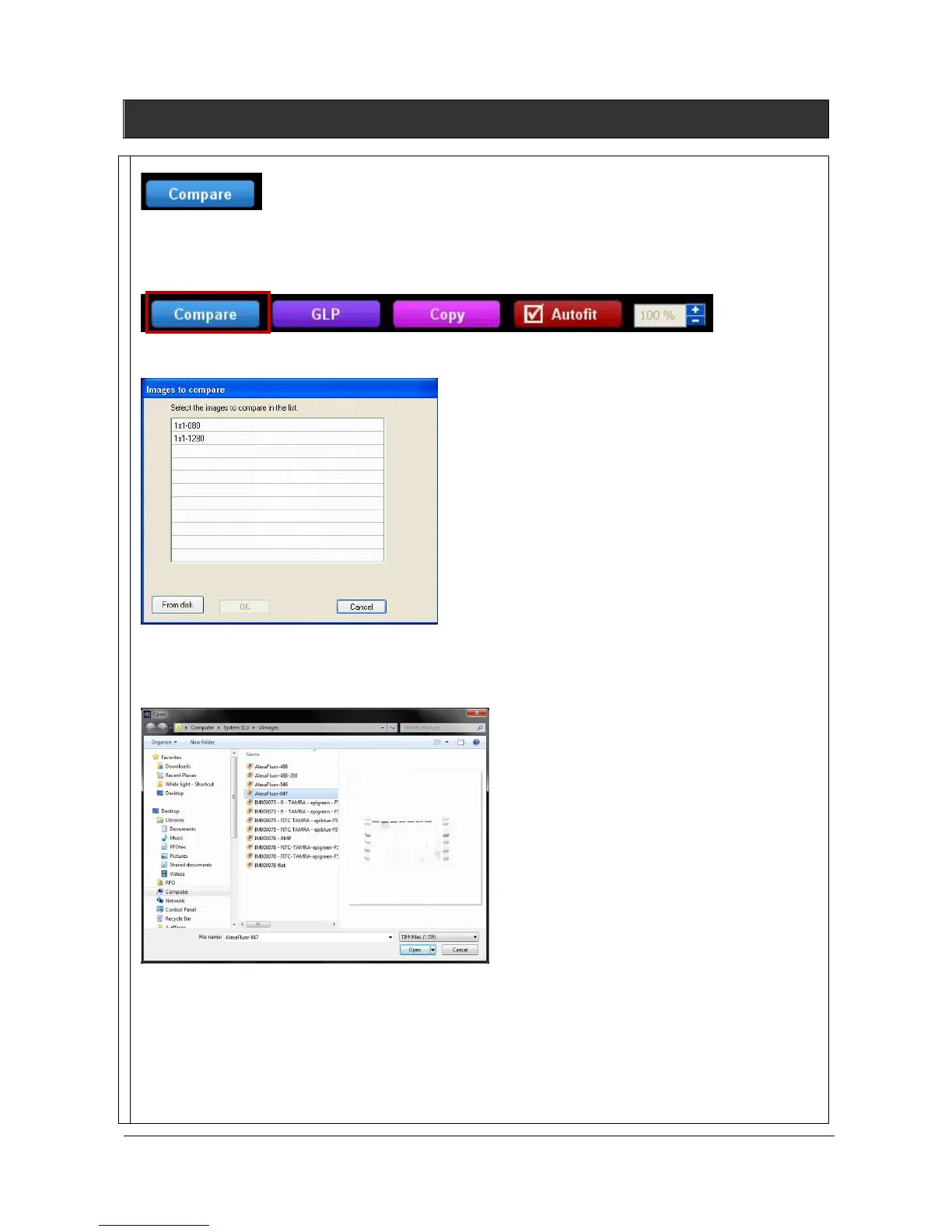
This function is used to compare two or several images in a single view.
Click on the “Compare” button from the lower image bar:
Lower image bar
A window displays the following menu:
A list displays the image already opened.
You can also add an image to the list by opening an image from your computer. To proceed, click on the
“From disk” button. A pop-up window displays the following menu:
Browse to specify the image directory
Double click on the image name you want to load
When all the images to be compared are gathered in the list, click on the image you want to compare:
and validate by clicking on OK:



 To Next Page